How to Sell Clothes on Roblox in 2026: Step-by-Step Guide
Learn how to sell clothes on Roblox in 2026: official requirements and fees, how to price, names and descriptions that sell, clear thumbnails and using a group.
You can still sell clothes on Roblox in 2026, but the rules have changed. There are now account requirements, a fee for every upload and a revenue share that depends on your price. This guide walks you through all of it with official numbers, plus tips to help your shirts get found and bought.
Quick summary: you need ID verification, 2-step verification and Plus or Premium; uploading costs 80 Robux and publishing 10 Robux (refundable). Price above the floor, use a clear name, put your group in the description and post often.
Requirements and fees to sell clothes on Roblox in 2026
On July 14, 2026 Roblox unified the rules for 2D clothing (classic shirts, pants and T-shirts) with the rules for 3D items. This is what it asks for today, according to its official pages:
| What | Official figure |
|---|---|
| Uploading each item | 80 Robux. Not refunded if it’s rejected. |
| Publishing classic clothing | 10 Robux advance, refundable |
| Account | ID verification or a linked, verified parent account |
| Security | 2-step verification turned on |
| Subscription | Active Roblox Plus or Premium |
| Your Marketplace share | 30% base (it was 70% before July 2026) |
| Sale inside someone’s game | 30% for you and 40% for the game owner |
| Sale in your own game | 70% (you get both shares) |
| When Robux arrive | 30 days after each purchase |
| Moderation | Up to 24 hours |
Every number comes from Roblox’s documentation. You can read the exact quotes on our sources and methodology page.
Not sure if you’re missing something? Open the Ready to sell clothing? checklist. Tick what you already have and it tells you what’s left.
One more thing for later: to turn Robux into real money with DevEx you need at least 30,000 Earned Robux and must be 13 or older. Roblox pays 0.0038 USD per Earned Robux. Don’t worry about it at the start: first you need sales.
Design and check before you pay
The upload fee is not refunded. That makes a broken shirt the most expensive mistake you can make. Before you spend any Robux, follow these steps:
- Start with the right template. A classic shirt is 585×559 pixels. A classic T-shirt is a square image, for example 512×512. Grab yours from templates to download.
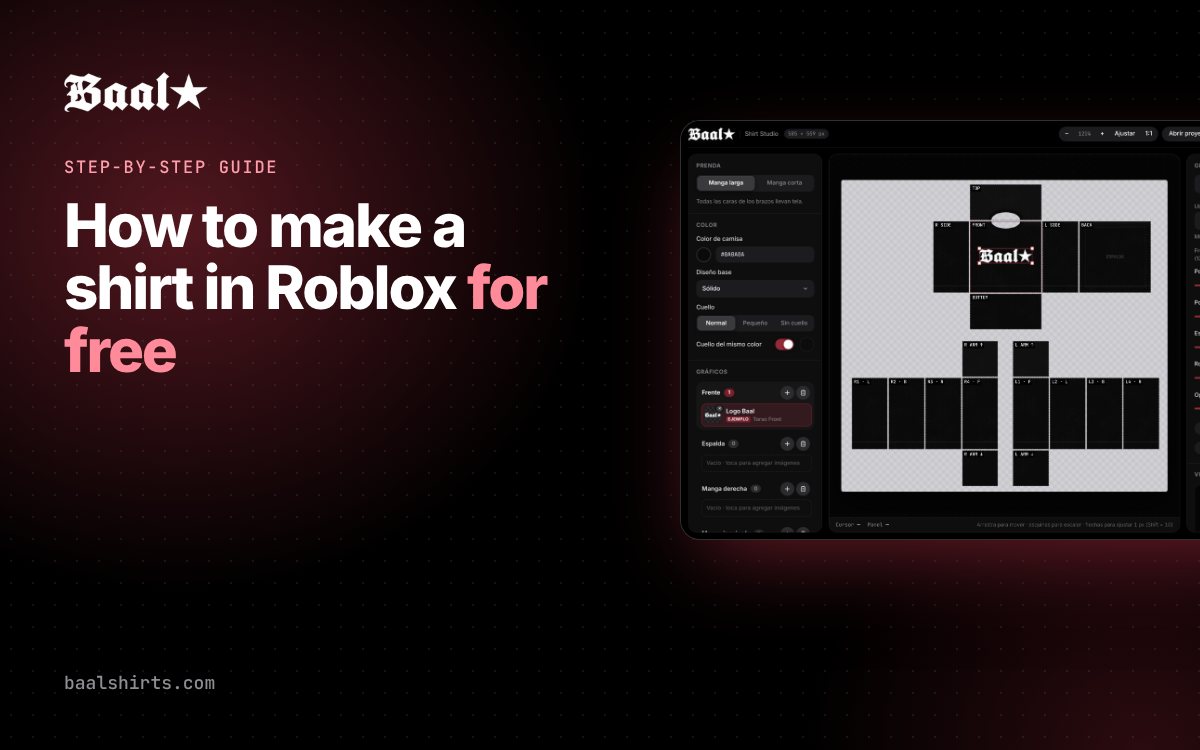
- Design in the editor. Baal Shirt Studio gives you the template ready to go, layers for each part, text and a 3D preview. Free, no sign-up.
- Check the file. Run your PNG through the template checker. It checks the size, transparency and edges.
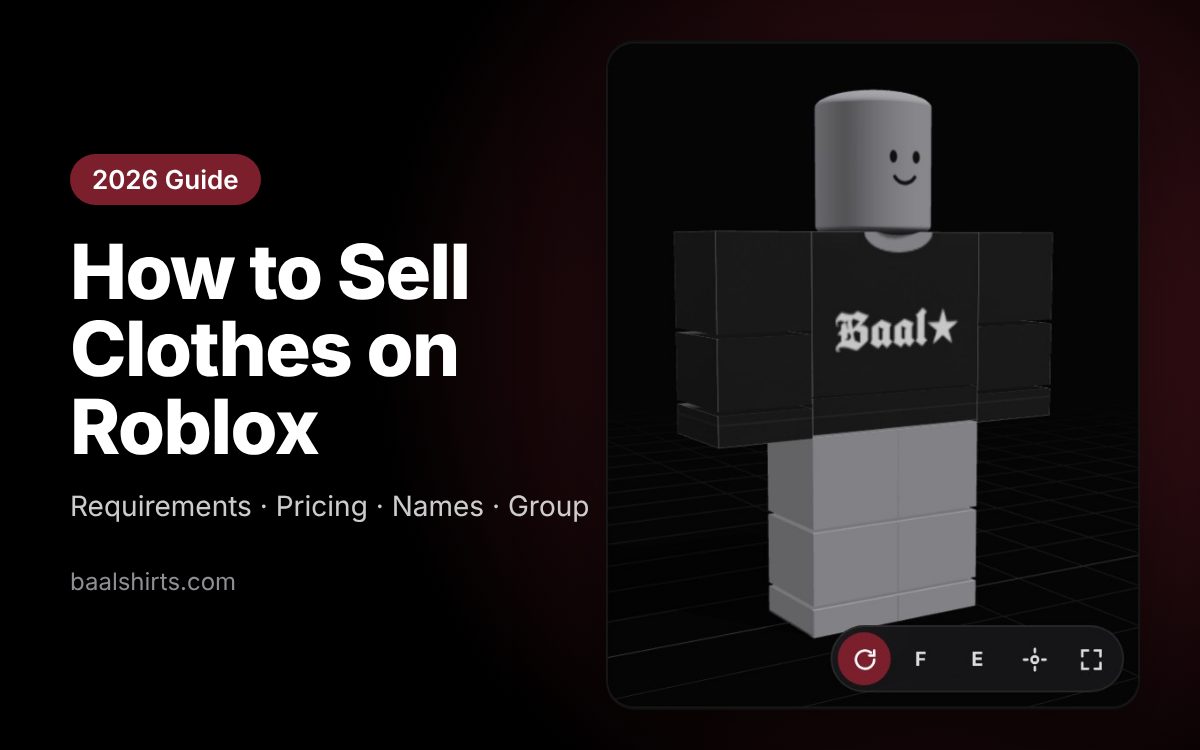
- Look at it in 3D. Spin the avatar and look for odd seams or art cut off on the sleeves.
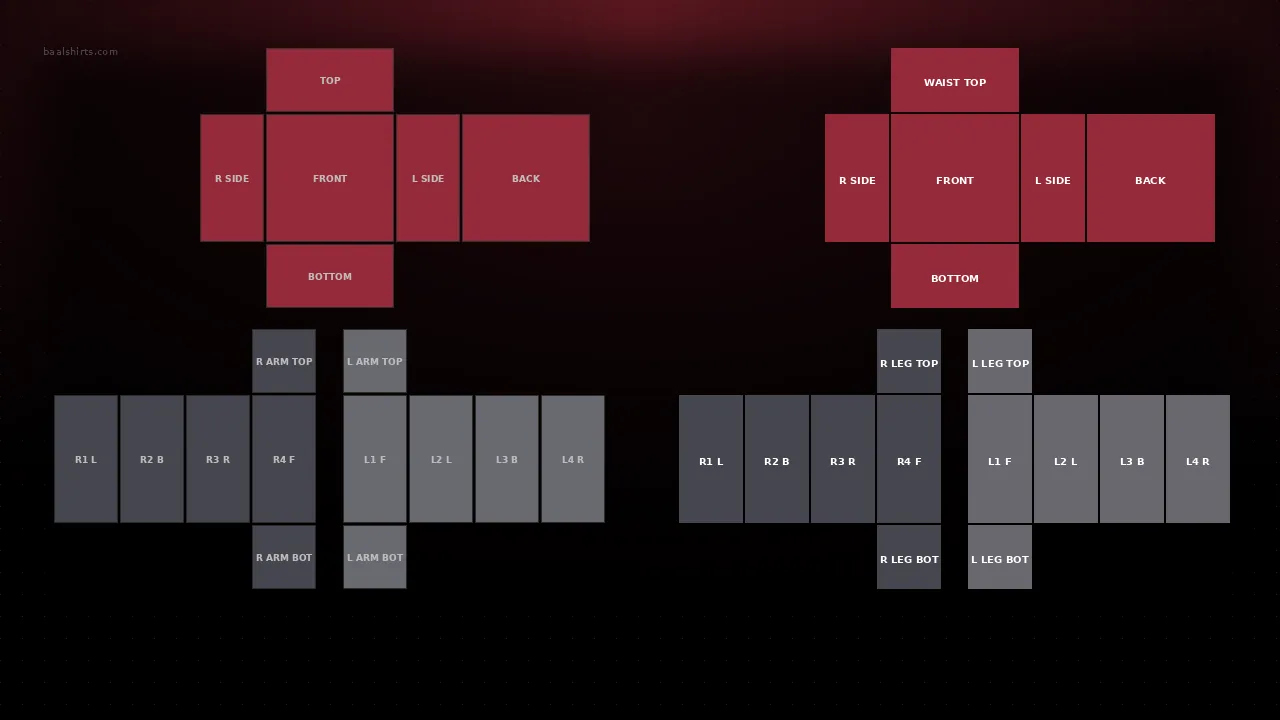
Our tip: avoid logos or characters from other brands and official Roblox logos, and don’t cover the item in text. Your own designs work best and don’t get rejected.
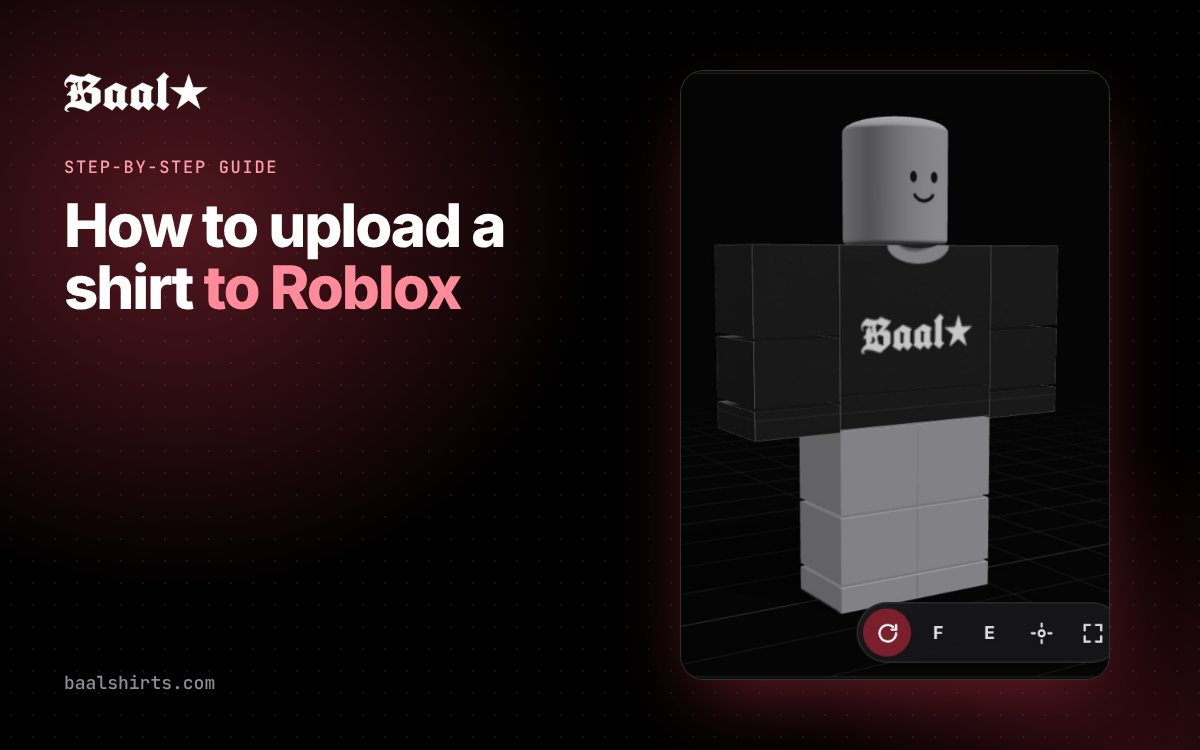
If this is your first upload, follow the guide on how to upload a shirt to Roblox. It shows every Creator Hub screen.
How to price your Roblox clothes
In 2026 your share of each sale depends on your price. Roblox sets a price floor for each item type. The higher your price compared with that floor, the bigger your share. Here’s the official table:
| Your price compared with the floor | Your share |
|---|---|
| Same as the floor (1×) | 30% |
| 1.3× | 37% |
| 1.5× | 41% |
| 2× | 50% |
| 2.5× | 57% |
| 3× | 62% |
| 3.5× | 65% |
| 4× | 67% |
| 5× | 69% |
| 6× or more | 70% |
Careful with the price floor. As a reference, the floor for classic clothing is often 5 Robux, but it isn’t fixed: Roblox changes it over time. Always confirm it in the Creator Dashboard → Creations → Pricing before you decide.
If the floor were 5 Robux, here’s how some prices would work out:
- 10 Robux = 2× the floor → you keep 50%.
- 15 Robux = 3× the floor → you keep 62%.
- 20 Robux = 4× the floor → you keep 67%.
- 30 Robux = 6× the floor → you keep 70%.
A higher price earns you more per sale, but it can also mean fewer sales. Find the balance. A simple idea: keep basic designs cheaper and charge more for your most detailed ones.
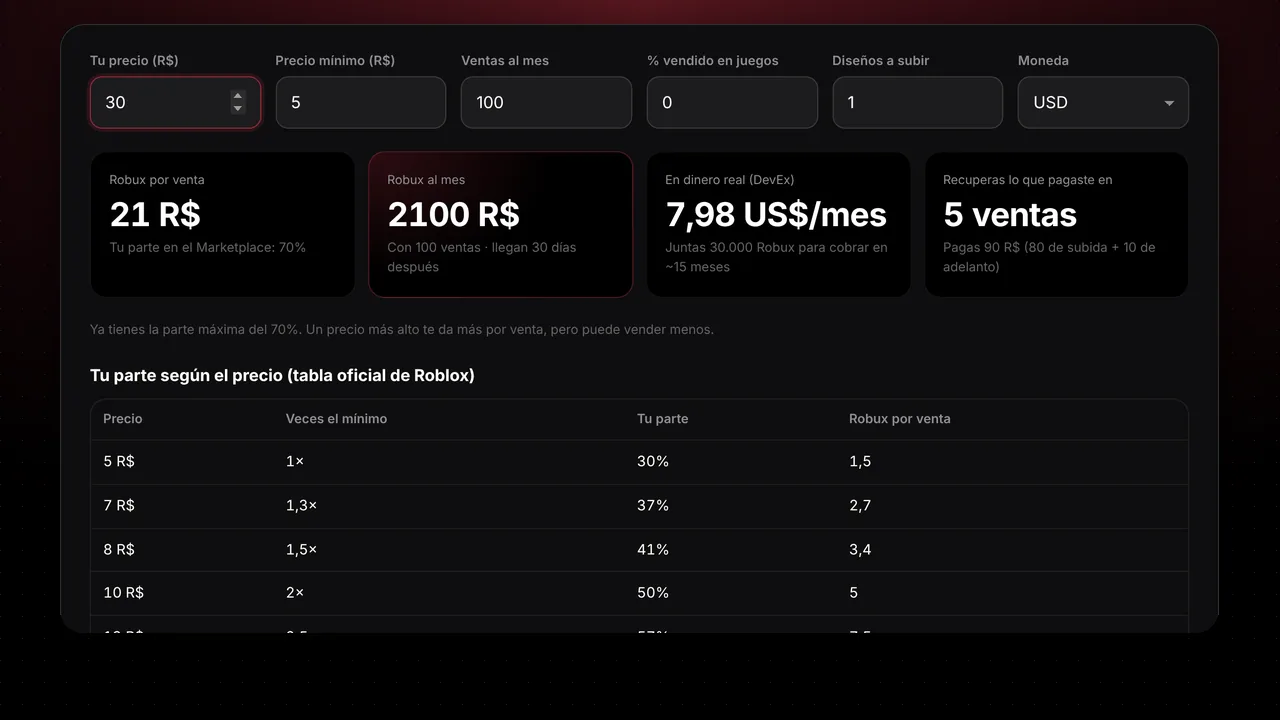
Run the numbers with our calculators before you publish:
- Clothing earnings calculator: how many Robux and how much money you make per shirt.
- Robux tax calculator: what you keep from each sale and what to charge to get the amount you want.
- Sales goal calculator: how many sales you need to hit your monthly goal.
Names that show up in search
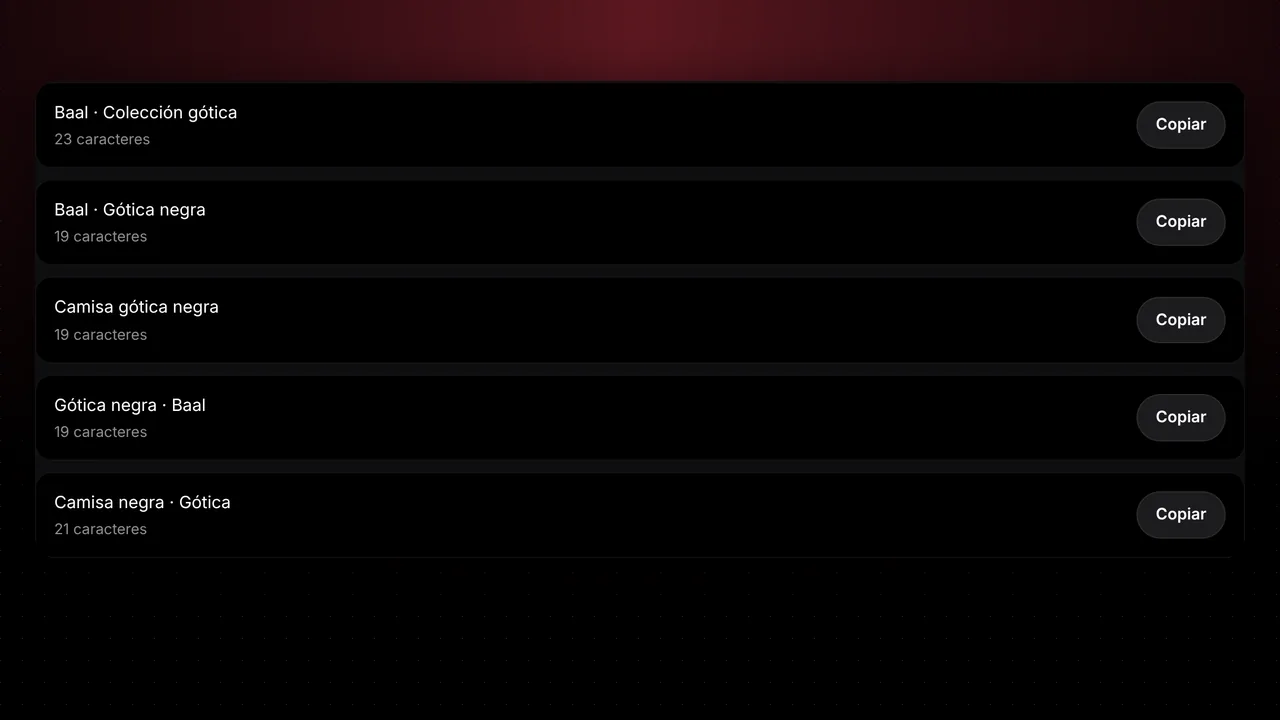
People search for clothes by typing loose words: a style, a color, a type of item. If your name has those words, you show up. If it’s called “shirt1”, nobody finds it.
Our formula for the name:
theme + style tags + color + “Shirt”
And a tip from us (not a Roblox rule): keep it to 50 characters or fewer. That way the whole name fits in the catalog and on phones.
Examples:
Butterfly Y2K Aesthetic Pink Shirt(34 characters)Skull Emo Grunge Black Shirt(28 characters)Tennis Preppy Cute White Shirt(30 characters)
Roblox recommends in its guides that you don’t repeat keywords or add unrelated ones, because that can get you shown less. It also says one or two well-placed emojis don’t hurt, but more than that confuses players. In short: use each word once and stick to 1-2 emojis at most.
Out of ideas? The name and description generator suggests names that follow this formula and checks your text.
Descriptions that sell
Your description is your silent salesperson. Anyone who opens your item is already interested: give them a reason to buy and to follow you. Use this four-part template:
⭐ Join Baal Studio for new clothes every day: https://www.roblox.com/share/g/166202016
Soft pink Y2K shirt with butterflies, perfect for summer outfits.
Camisa rosa Y2K con mariposas, ideal para tus outfits de verano.
y2k aesthetic butterfly pink cute summer- Call to join your group + link. It goes first because it’s what people see most.
- Sales line. One sentence that says what it is and what it’s for.
- A line in Spanish. It helps you reach Spanish-speaking buyers, a huge part of Roblox.
- Tags. Style, color and occasion words, each one only once.
We can’t confirm that Roblox shows the link as clickable on every item. If it doesn’t show up, write your group’s name so people can search for it. And don’t repeat the same tag words over and over: Roblox’s guides recommend not repeating keywords.
Clear thumbnails
In the catalog your item is tiny, next to lots of others. To make it stand out:
- Clean background, with nothing distracting.
- Item centered, filling most of the space.
- Contrasting colors: a black shirt on a dark background disappears.
- Test it small: zoom out or look at it on your phone. If you can’t tell what it is, simplify.
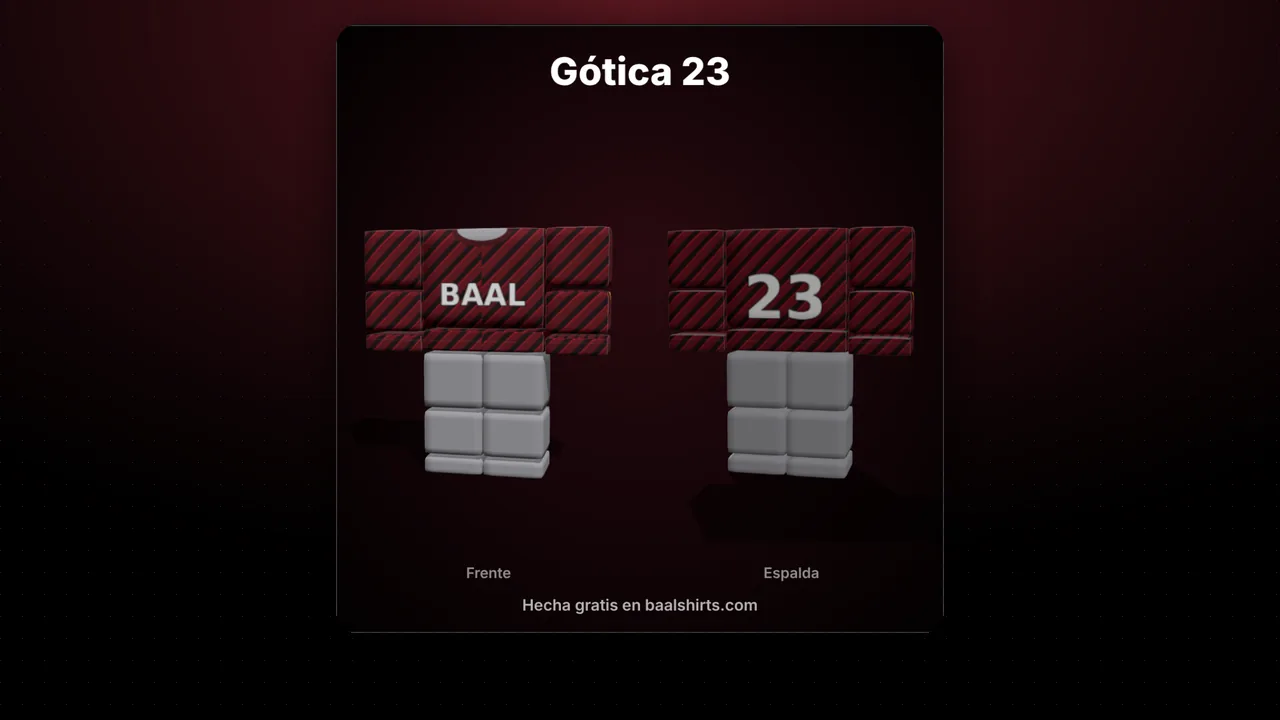
For your group and social media, the 3D mockup generator puts your shirt on a 3D avatar and gives you images ready to post.
Post often
One shirt almost never makes a store. What works is consistency:
- Upload on a steady schedule, even if it’s not much. Buyers come back when they know there’s something new.
- Make series. The same design in several colors, or a collection with a theme (summer, school, sports).
- Pair items. A shirt with matching pants invites people to buy both.
- Learn from your sales. Repeat the styles that work and drop the ones that don’t.
An example: at Baal Studio we upload new clothes every day. That way there’s always something new when someone visits the store.
Remember each upload costs 80 Robux. Plan your series so you don’t spend on designs you haven’t checked.
Use a group to sell more
A Roblox group works like your brand. It has clear benefits:
- Your own store: all your items together, in one place.
- Community: your followers see what’s new and give you ideas.
- Teamwork: if you design with friends, you can split group earnings by percentage. Work it out with the group payout calculator.
- Trust: a group with a name and logo looks more serious than a lone account.
Put your group link in every description, like in the template above. And if you want to see how we do it, join Baal Studio: we post new clothes every day.
Get inspired by what people wear
Before you design, check what’s popular in the biggest games:
- Clothing, hair and face codes has clothing IDs for Brookhaven, Berry Avenue and Bloxburg. Notice which styles and colors come up again and again.
- With copy outfit you type a player’s username and see their clothes and accessories. It helps you understand which combos people like.
Get inspired, but don’t copy: make your own version with your colors and your details.
Common mistakes when selling clothes on Roblox
- Uploading without checking. The 80 Robux upload fee isn’t refunded if the item is rejected.
- Using logos or characters from other brands. Roblox may reject it.
- Pricing everything at the floor. You only keep 30%. Check the table and decide.
- Names like “new shirt”. Nobody searches for that. Use the theme + style + color + Shirt formula.
- Repeating words in the description. Roblox may show you less.
- Dark or cluttered thumbnails. They make no sense when small.
- Uploading once and giving up. Consistency is what grows a store.
- Forgetting the group. Without one, every sale is a customer who doesn’t come back.
Start today
You now know what Roblox asks for, what it costs and how to make your clothes stand out and sell. The next step is designing your first shirt. Open the Baal Shirt Studio editor, pick a style and create your first series.
When it’s ready, share it with the community. Join Baal Studio to see new clothes every day and learn from other creators.
FAQ
How much does it cost to upload and publish clothes on Roblox?
Each upload costs 80 Robux and is not refunded if the item is rejected. Publishing classic clothing also takes a 10 Robux advance, which is refundable.
What do I need to sell clothes on Roblox?
ID verification (or a linked, verified parent account), 2-step verification turned on and an active Roblox Plus or Premium subscription.
How much do I earn per sale?
Since July 14, 2026 the creator gets a 30% base share on the Marketplace. The higher your price is above the price floor, the bigger your share, up to 70%.
What price should I set for my shirt?
Check the current price floor in the Creator Dashboard and think in multiples of it. At 6 times the floor you already reach 70%. Try the earnings calculator before you decide.
When do I get the Robux from a sale?
Roblox holds the Robux from each purchase for 30 days. After that they move to your balance.
Do I need a group to sell clothes?
It's not required, but it helps a lot: it puts your items in one store, builds a community and lets you split earnings with your team.