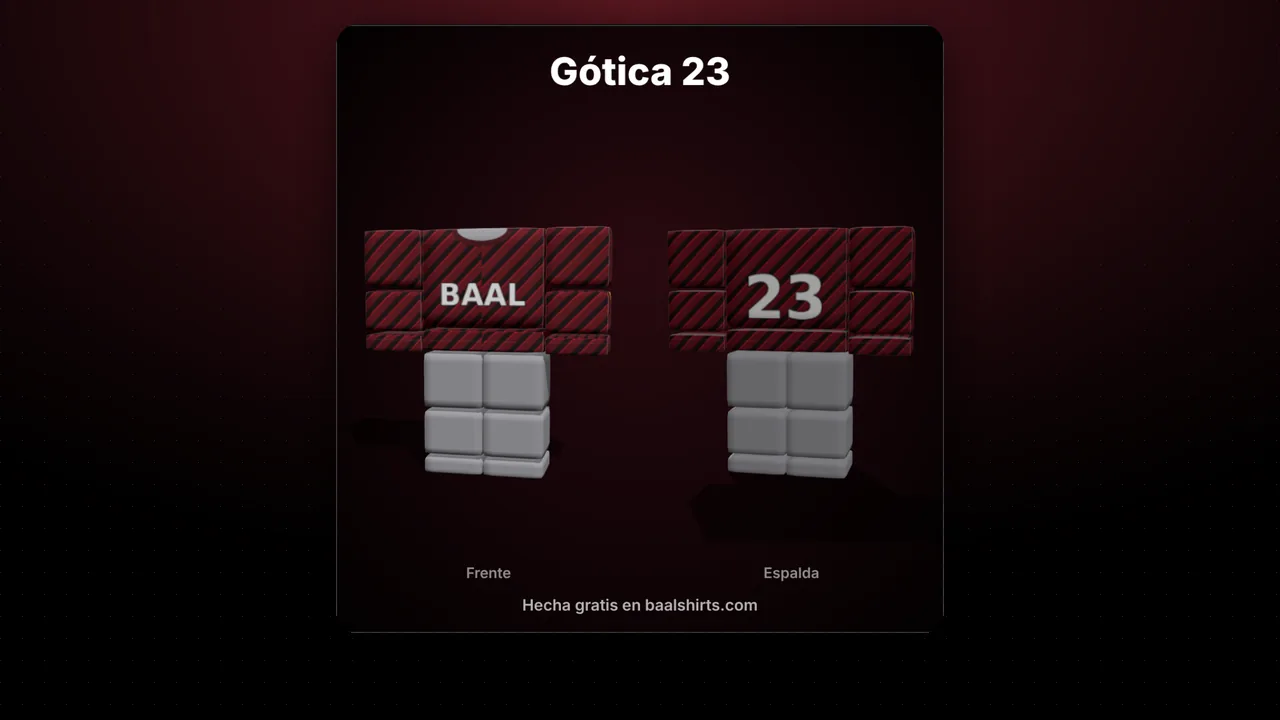
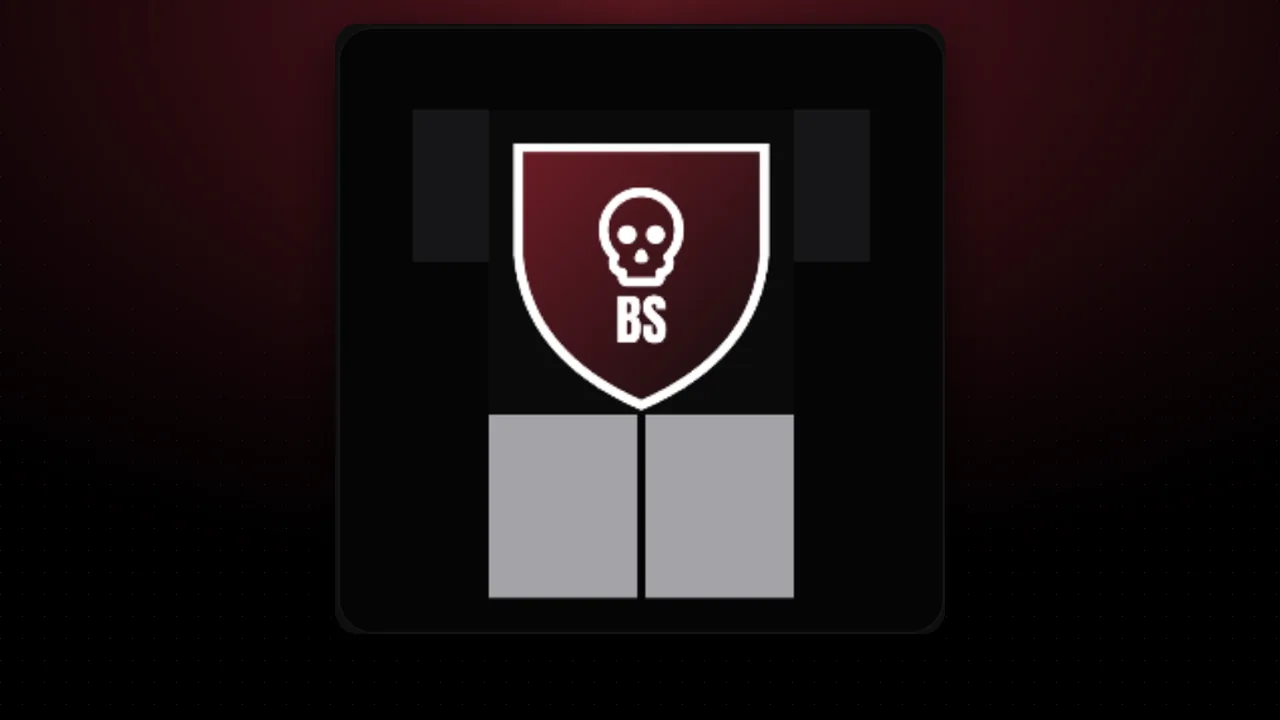
Figures reviewed on October 25, 2026. Baal Shirt Studio is not affiliated with Roblox. Figures are estimates; always confirm on Roblox before paying.
Three ways to change the colors
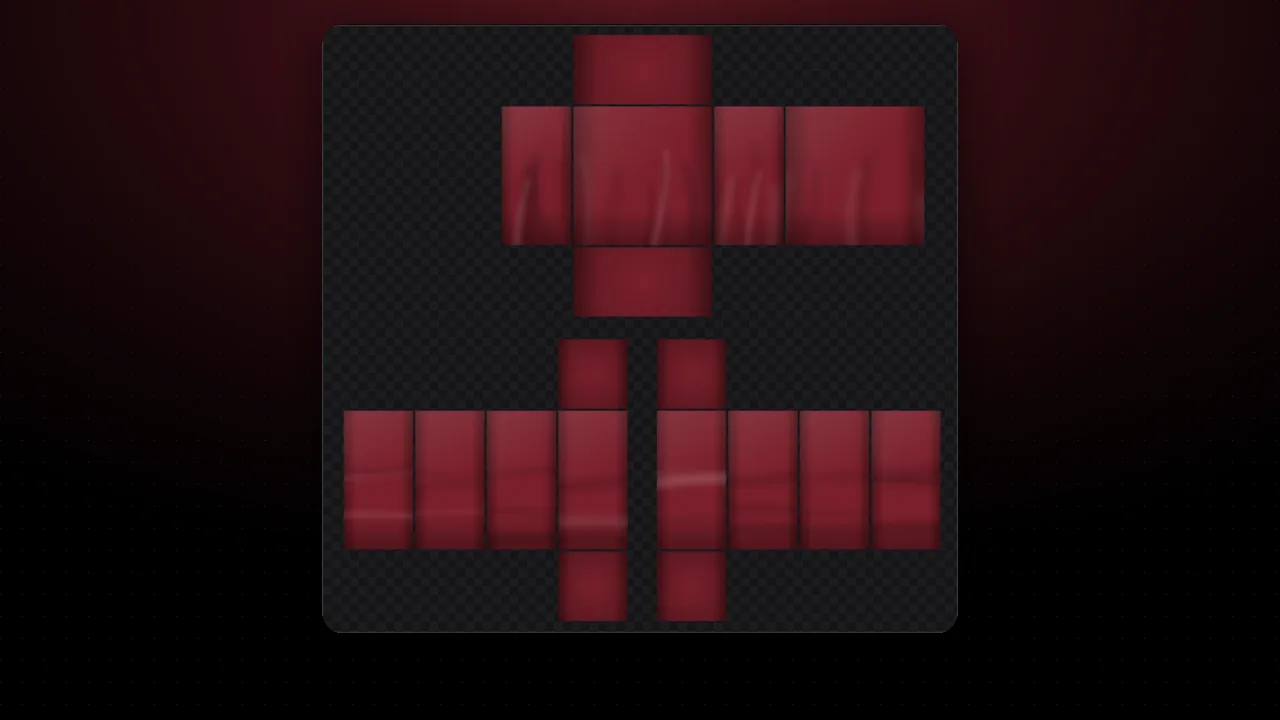
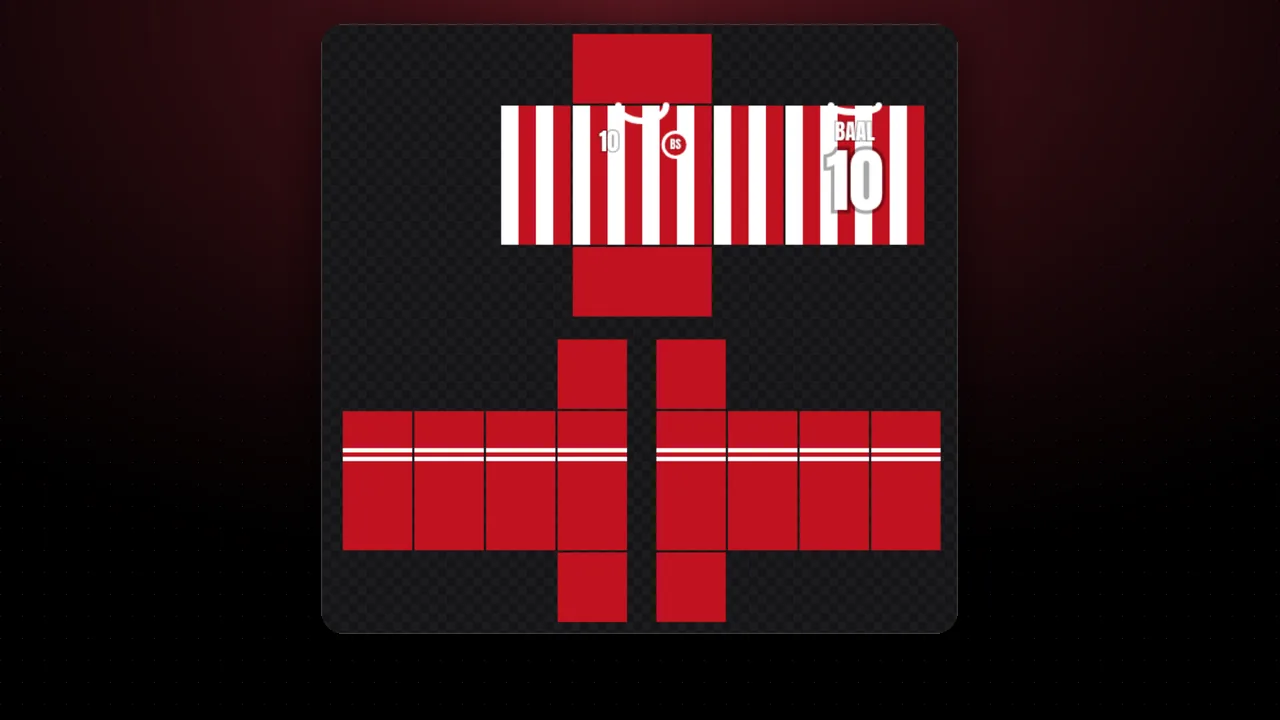
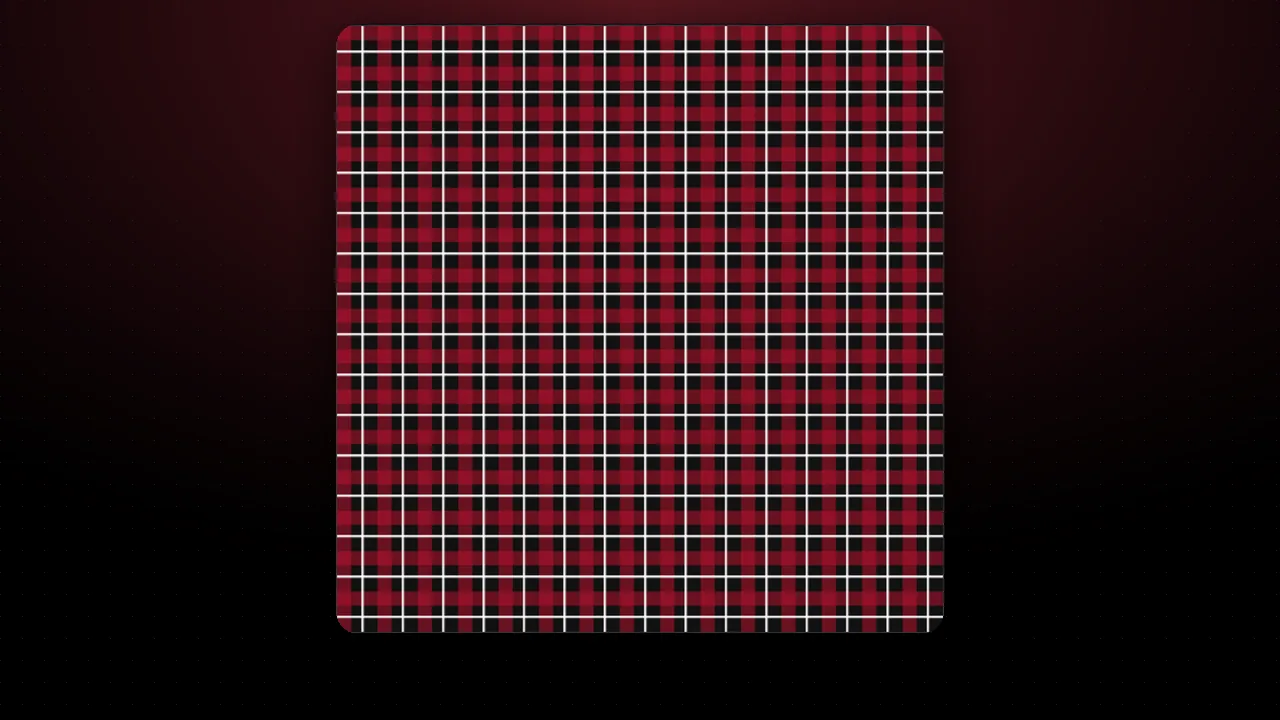
- Hue: rotates every color at once. Red becomes orange, green, blue…
- Replace a color: changes just one color (for example red to blue) and leaves the rest.
- Quick variants: 6 versions of your design in different hues to pick your favorite.
Shading and highlights are kept. When you have your versions, create their names with the name generator.
FAQ
What is recoloring for?
To sell several versions of the same design (for example red, blue and black) without drawing it again. Many buyers look for their favorite color.
How do I change just one color?
In "Replace a color" tap one of your template's colors and pick the new one. Similar shades change and shading is kept.
Can I upload each variant as a different item?
Yes, but each upload costs 80 Robux. The rules ask not to publish items that are overly similar to existing ones, so use it for real color variants, not duplicates.