Enjoying the tool? Join the Baal community on Roblox Join →

Roblox templates to download

Shirt, pants and T-shirt templates as transparent PNGs, with color guides or outlines only. Free and ready for your drawing app.

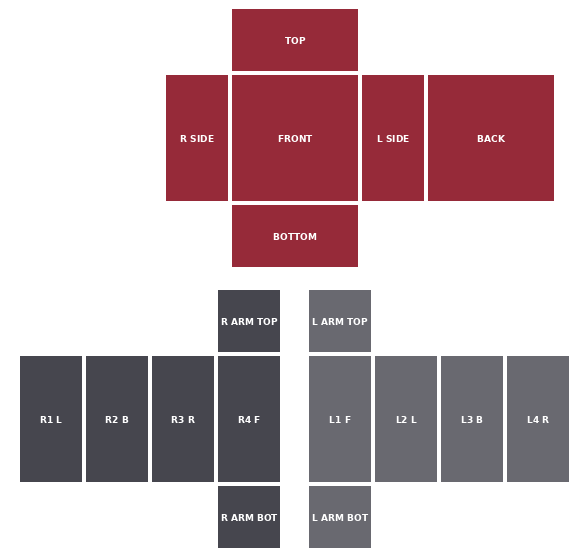
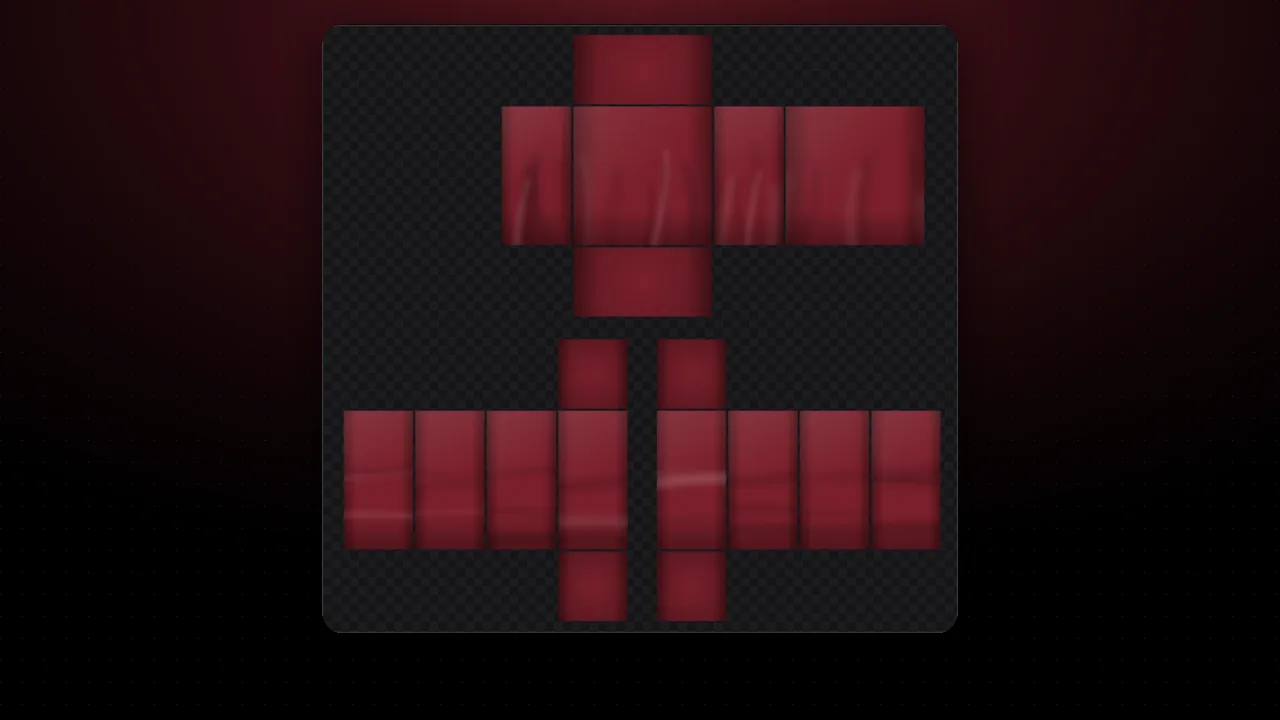
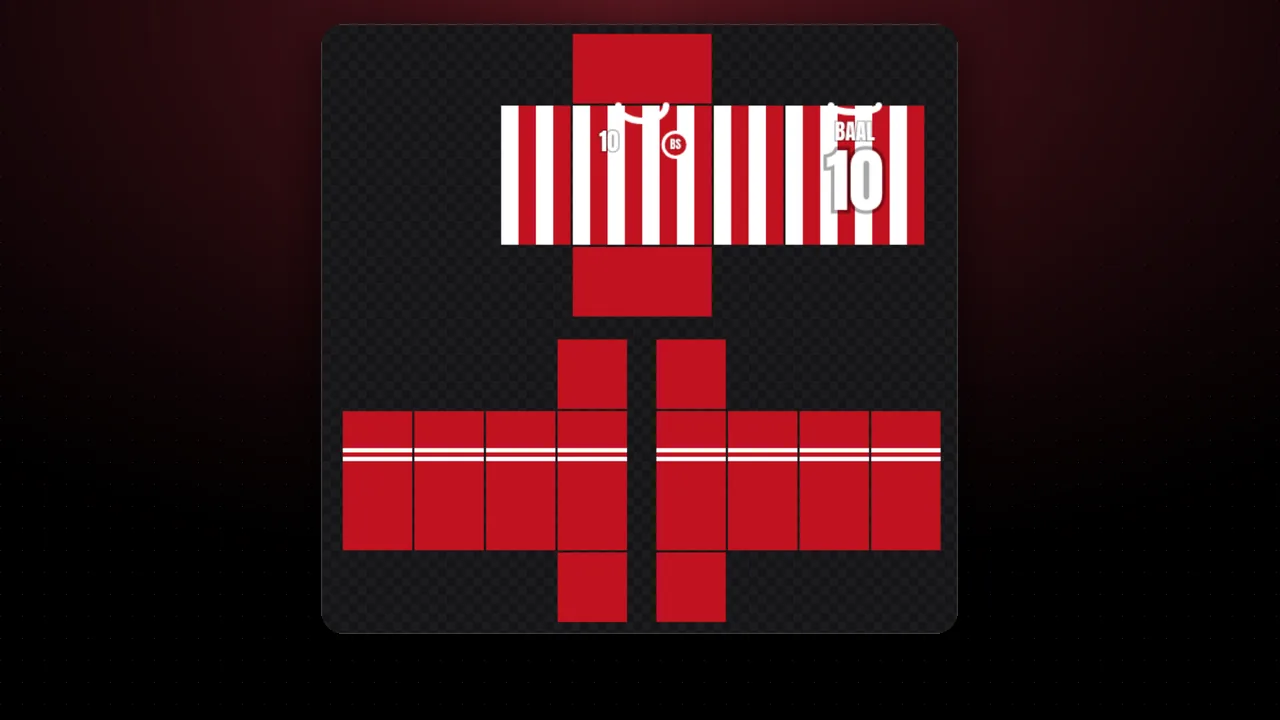
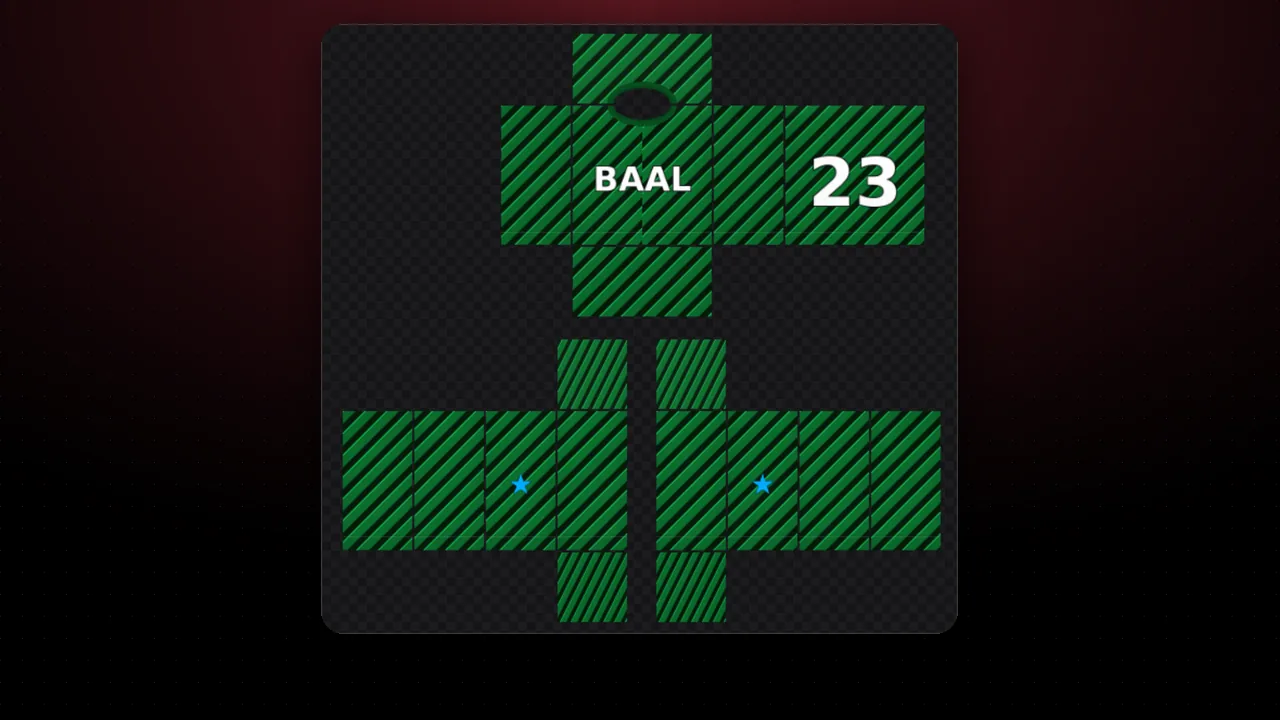
Shirt with color guidesEvery panel labeled: torso, sleeves, front and back. · PNG 585×559 Download
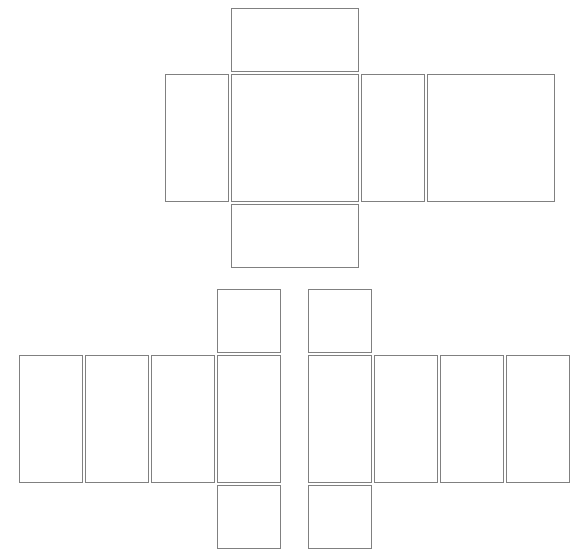
Shirt outlines onlyTransparent background with each panel edge, to draw on top. · PNG 585×559 Download
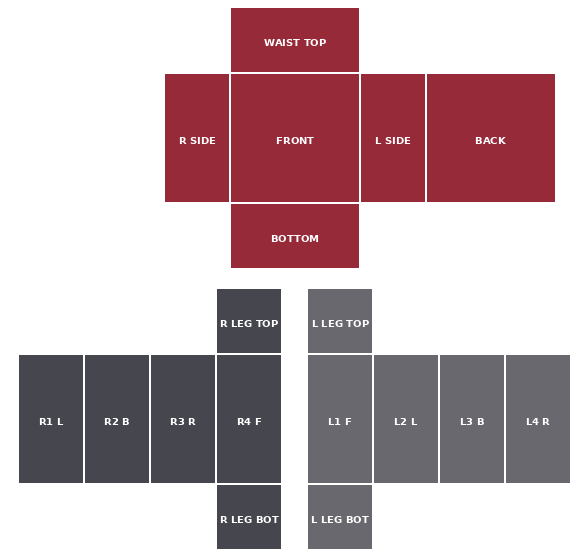
Pants with color guidesThe same 585×559 template, with the legs labeled. · PNG 585×559 Download
Pants outlines onlyEach panel edge on a transparent background. · PNG 585×559 Download
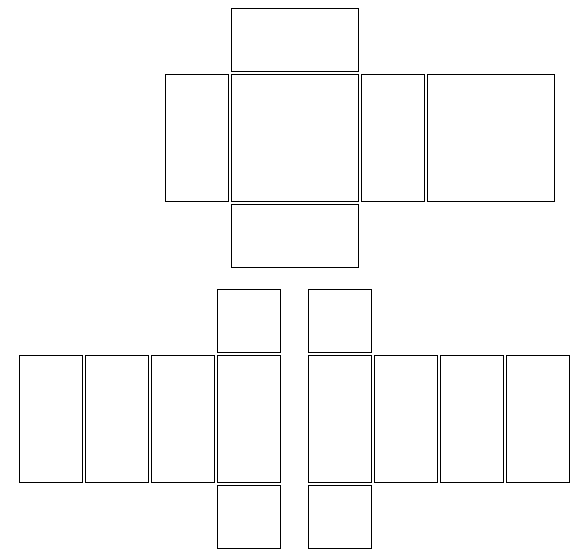
Blank templateAll panels in white, ready to paint or recolor. · PNG 585×559 Download
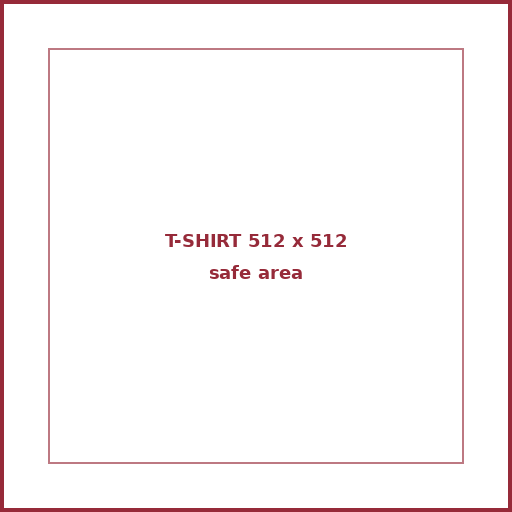
T-shirt with safe area512×512 square with a margin so your design is not cut. · PNG 512×512 Download

Figures reviewed on October 25, 2026. Baal Shirt Studio is not affiliated with Roblox. Figures are estimates; always confirm on Roblox before paying.

How to use the templates

  1. Download the template and open it in Photoshop, Photopea, Procreate, Krita or your favorite app.
  2. Draw your design on a layer on top, keeping to the panels.
  3. Hide the guide layer and export as PNG at the same size.
  4. Check it with the template checker before uploading.

Prefer doing it online? The editor has the template built in, a 3D view and shading.

Sources and method

Every figure in this tool comes from these pages. We quote the original text so you can check it yourself. We review the figures every month. See all sources →

Official · RobloxClassic clothingRoblox Creator Hub · GitHub copy
  • A classic T-shirt is a square image (for example 512×512).
    “T-shirts are a square image, such as 512x512 pixels. When properly configured, classic t-shirts display on the front torso of a blocky character.”
  • Size of each panel of the shirt and pants template.
    “Large square 128 × 128 FRONT and BACK · Tall rectangle 64 × 128 · Wide rectangle 128 × 64 UP and DOWN · Small square 64 × 64”
  • Accepted formats: PNG or JPG.
    “Export the image as a .png or .jpg before testing and uploading it in Studio.”
  • Uploading classic clothing costs 80 Robux.
    “you can upload and sell your clothing item on the Marketplace for an upload fee of 80 Robux per submission.”

FAQ

Is the pants template different from the shirt one?

They have the same size and shape (585×559). On pants, the arm strips are used for the legs and the torso is the hip.

What size is each panel?

According to the official docs: front and back 128×128, sides and arm or leg faces 64×128, torso top and bottom 128×64, and arm or leg top and bottom 64×64.

Can I design without drawing software?

Yes. Use our online editor: it has the template, a 3D view and exports a Roblox-ready PNG.

More free tools See all →