How to Upload a Shirt to Roblox Step by Step (and What to Check First)
Guide to uploading your Classic Shirt to Roblox from the Creator Hub: file requirements, upload fee, moderation and how to put it on sale.
Your shirt is designed and exported. Now it’s time to upload it to Roblox. The process is short, but there are a few things worth checking before you pay the upload fee so you don’t waste Robux.
Before uploading: check your file
Run through this quick list with your PNG:
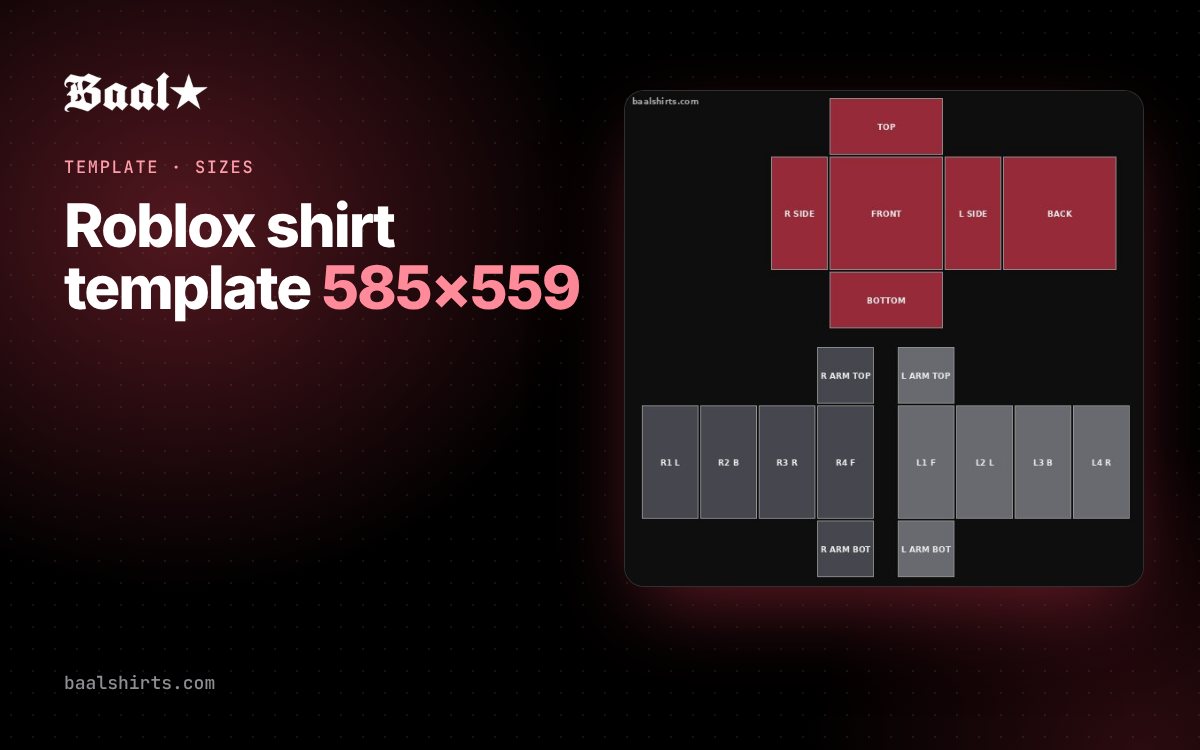
- It’s exactly 585×559 pixels.
- It’s a PNG, transparent wherever there’s no fabric.
- No guides, grid or panel names are visible.
- Graphics stay inside their panel and don’t cross seams.
- Everything you use is yours or you have permission to use it.
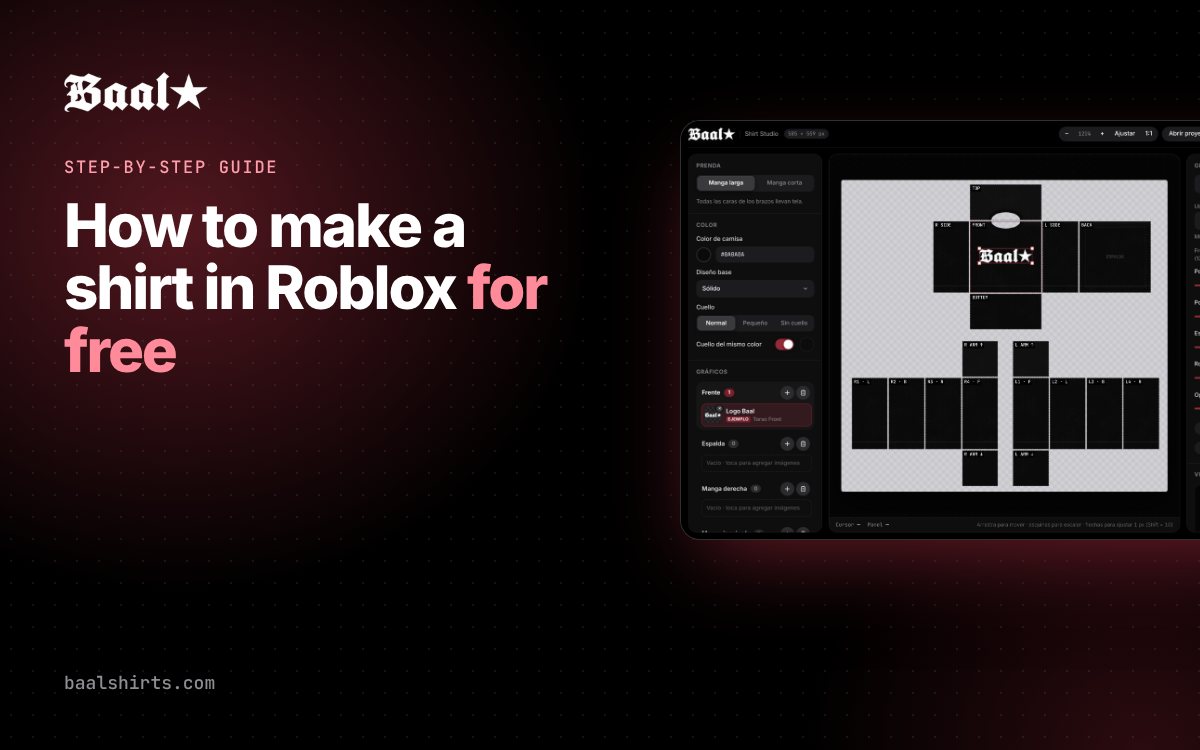
If you designed it with Baal Shirt Studio, the export button already takes care of the first four. And if you haven’t designed it yet, start with how to make a shirt in Roblox.
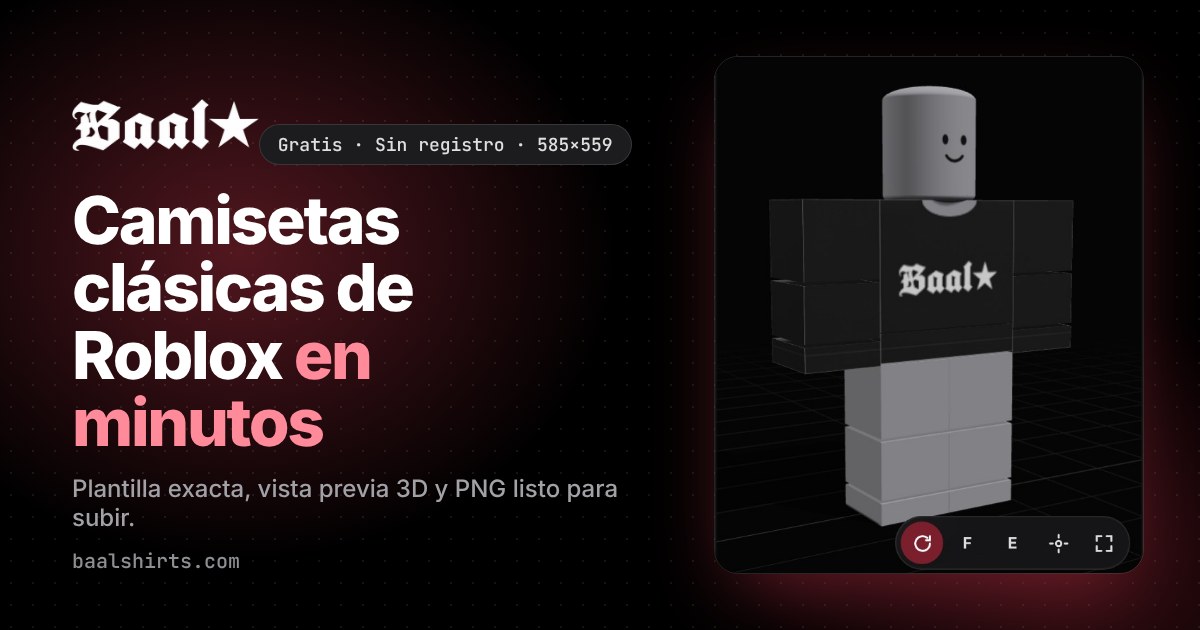
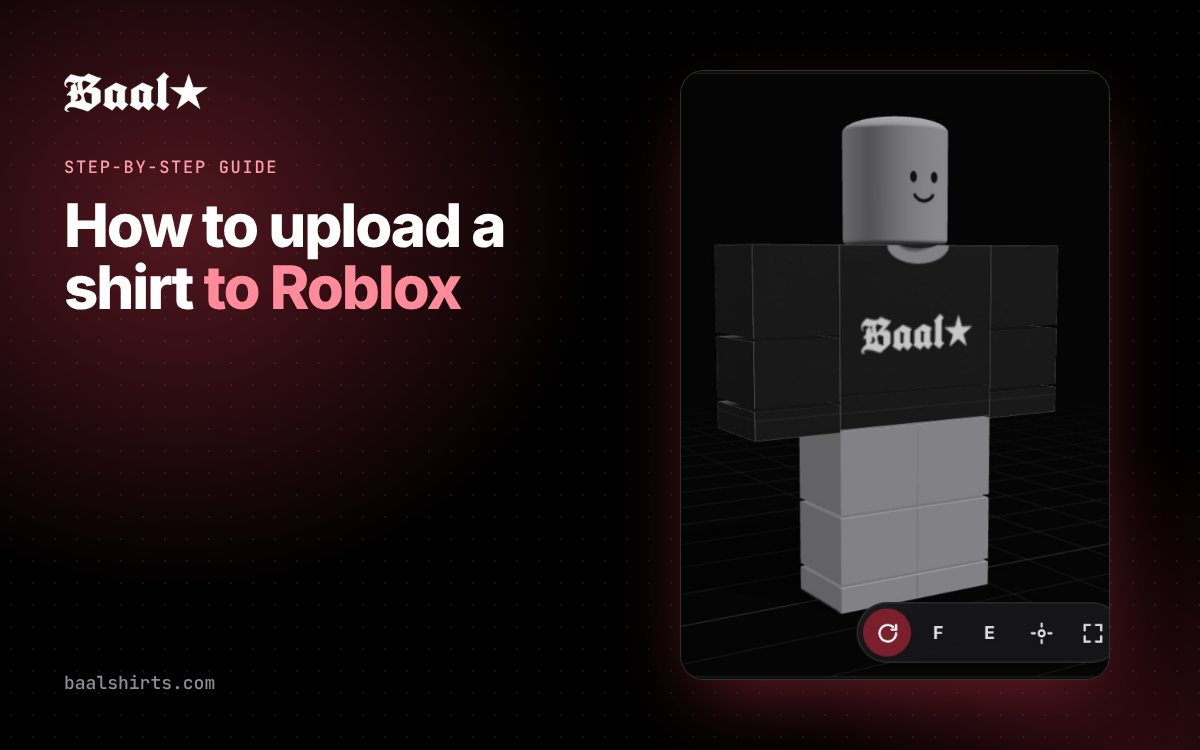
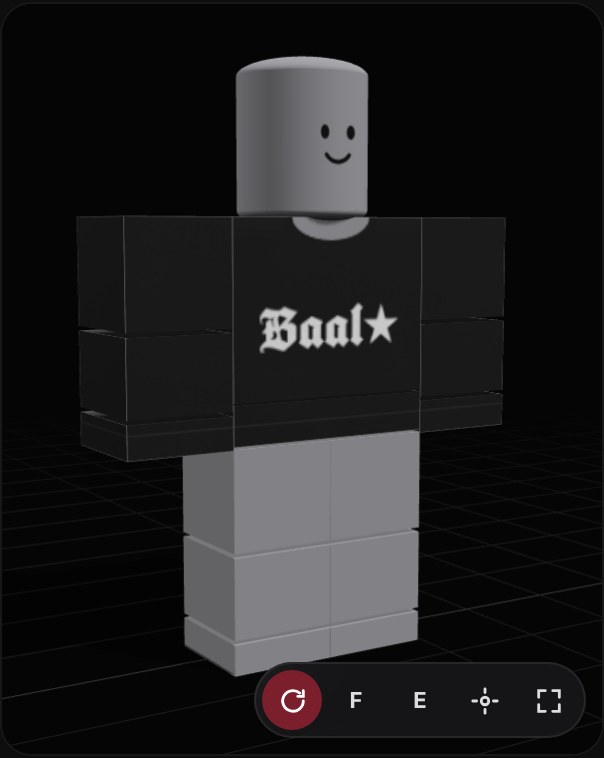
Recommendation: before uploading, check the item in the editor’s 3D view. Spotting a mistake there is free; spotting it after uploading costs another fee.
Step 1: open the Creator Hub
Sign in to Roblox and open the Creator Hub at create.roblox.com. It’s the official dashboard for experiences, avatar items and other assets.
Step 2: go to Avatar Items
In the Creations menu, open Avatar Items. That’s where you’ll find the option to upload a new clothing item.
Step 3: choose “Classic Shirt” and upload the PNG
- Select the Classic Shirt item type.
- Choose your 585×559 PNG file.
- Give it a clear name and a short description. Think about how someone would search for it in the catalog: “Black gothic Baal shirt” works better than “shirt1”.
Roblox shows a preview of the item. If something looks shifted, cancel and check the file size.
Step 4: pay the upload fee
Roblox charges a fee in Robux to upload each classic clothing item. The upload screen shows the amount, and it can change over time, so confirm it there. The fee isn’t refunded if the item is rejected, which is why checking the design first matters so much.
Step 5: wait for moderation
Every item goes through Roblox moderation before it appears. It usually takes from minutes to a few hours. The most common rejections are for:
- Brand logos, anime or TV characters and other copyrighted images.
- Text or images that break the Roblox Community Standards.
- Designs that imitate official Roblox items.
Step 6: publish it and set a price (optional)
Once approved, you can keep the item for yourself or put it on sale in the Marketplace with a price in Robux. Roblox sets the requirements to sell and the fees on each sale; check the current terms in the Creator Hub before setting your price.
A tip to sell more: upload a series of designs in the same style (for example, the same shirt in several colors). Buyers often browse a creator’s store when they like something.
If you want to edit it later
An uploaded item can’t be modified: to change it, you upload a new version. That’s why you should always keep the project file (in Baal Shirt Studio, with the save project button) so you can reopen it, fix it and export again without starting over.
Summary
- Check the PNG (585×559, transparent, no guides).
- Test it in 3D before paying.
- Creator Hub → Avatar Items → Classic Shirt → upload the file.
- Pay the fee, wait for moderation and publish.
Need the size of every panel? See the 585×559 template guide.
FAQ
How much does it cost to upload a shirt to Roblox?
Roblox charges an upload fee in Robux for each classic clothing item. The amount can change, so confirm it on the Creator Hub upload screen before paying.
How long does moderation take?
Usually anywhere from a few minutes to a few hours. Meanwhile the item shows as pending review.
Why did Roblox reject my shirt?
The most common reasons are using copyrighted logos or characters, text or images that break the Community Standards, or trying to imitate official Roblox items.
Can I sell my shirt?
Yes. When you publish it you can put it on sale in the Marketplace and set a price in Robux. Roblox sets the selling requirements and fees, which are worth checking in the Creator Hub.