Figures reviewed on October 25, 2026. Baal Shirt Studio is not affiliated with Roblox. Figures are estimates; always confirm on Roblox before paying.
How to upload the icon and thumbnails
- Design the icon (512×512) and one or more thumbnails (1920×1080) here.
- Go to the Creator Dashboard, pick your game and go to Configurations → Places and select the place.
- In Thumbnails upload the thumbnails for the Home page and the game detail page. The icon is changed in the game settings.
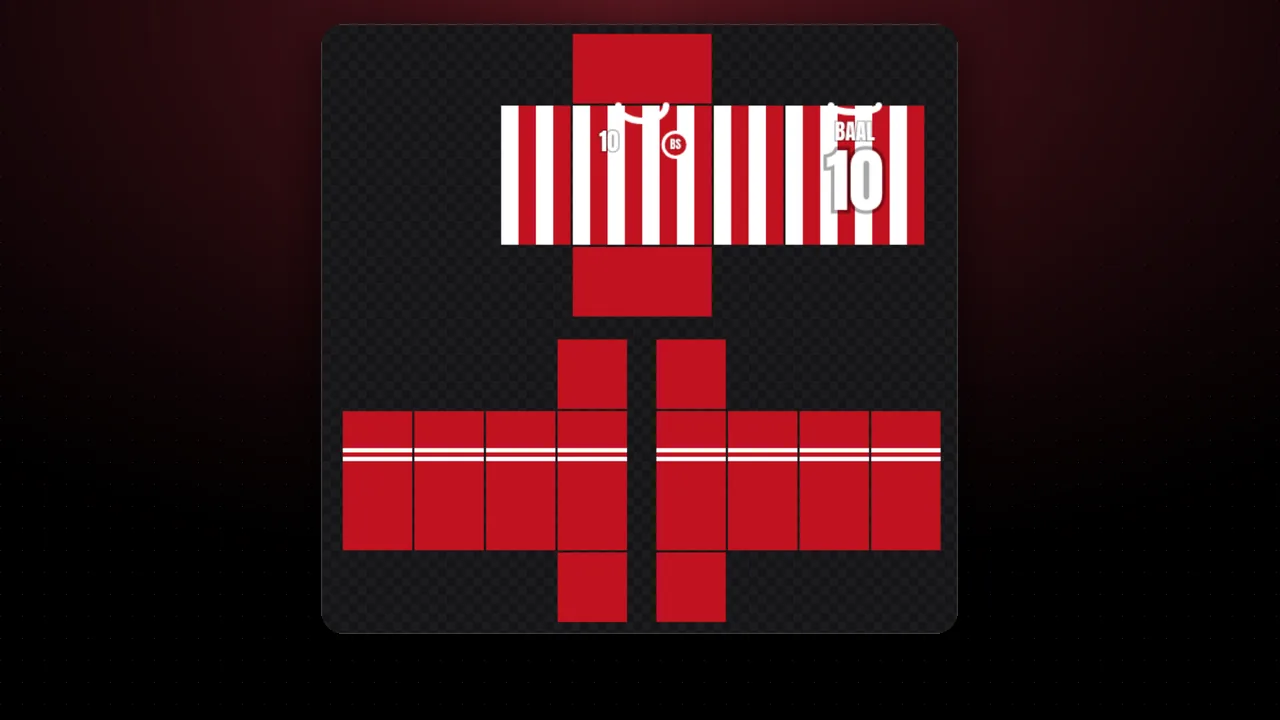
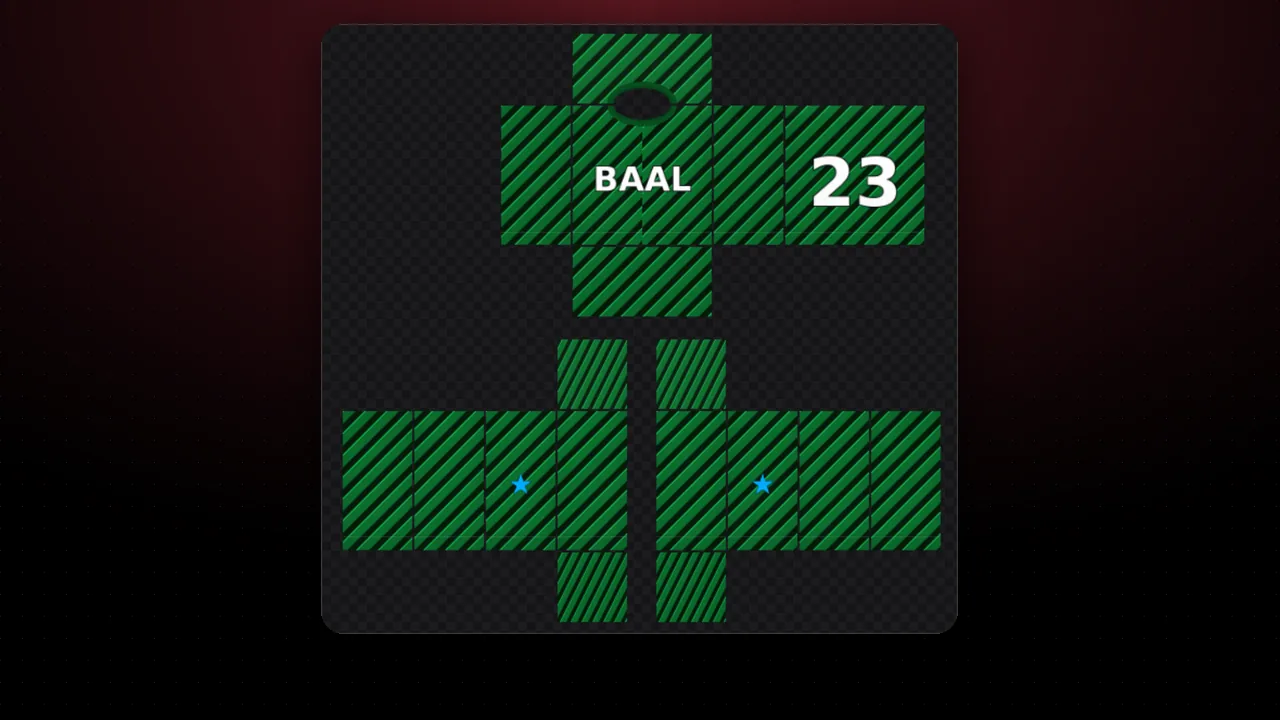
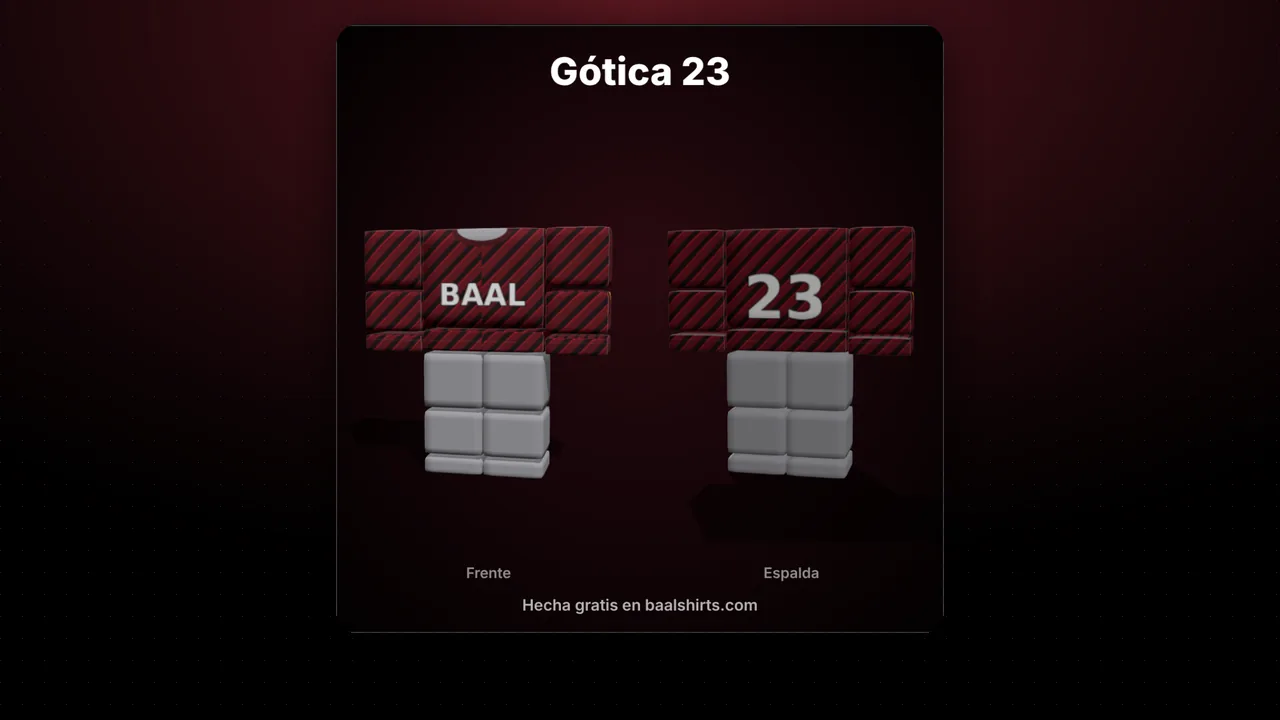
Tips from the official documentation: the icon should be square and stay clear at small sizes, and thumbnails should portray the game accurately. Use few words, big letters and one main element. Selling clothing? Show your avatar in your best shirt; you can make matching pants with matching pants and show it with the 3D mockup too.
FAQ
What size is a Roblox game icon?
Square and at least 512×512 pixels, according to the official documentation. In some places Roblox shows it smaller, like 150×150, so we show you a preview at that size.
And thumbnails?
16:9 aspect ratio and ideally 1920×1080 pixels. Roblox accepts .jpg, .gif, .png, .tga and .bmp, and you can feature up to 10 images or videos per game.
Does it work for my group store?
Yes. If you have a store game (homestore) to sell your clothing, add your avatar wearing your shirt: it is the best way to show what you sell.
What should I avoid?
Images go through moderation and must follow the Community Standards. Avoid promising things the game does not have: the documentation asks for thumbnails that portray the game accurately.