Figures reviewed on October 25, 2026. Baal Shirt Studio is not affiliated with Roblox. Figures are estimates; always confirm on Roblox before paying.
How to pick colors for your Roblox clothing
- Start with the color that defines your style and pick a harmony.
- Press "New palette" until you like it; lock the colors you want to keep.
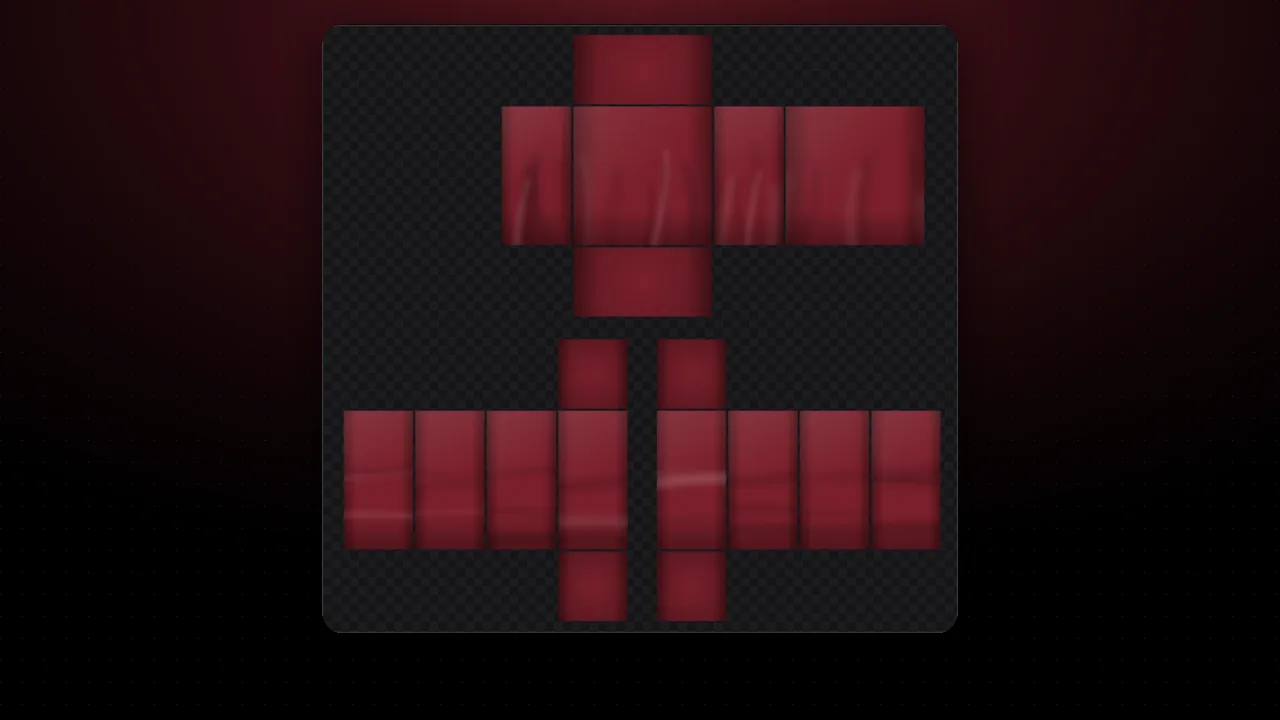
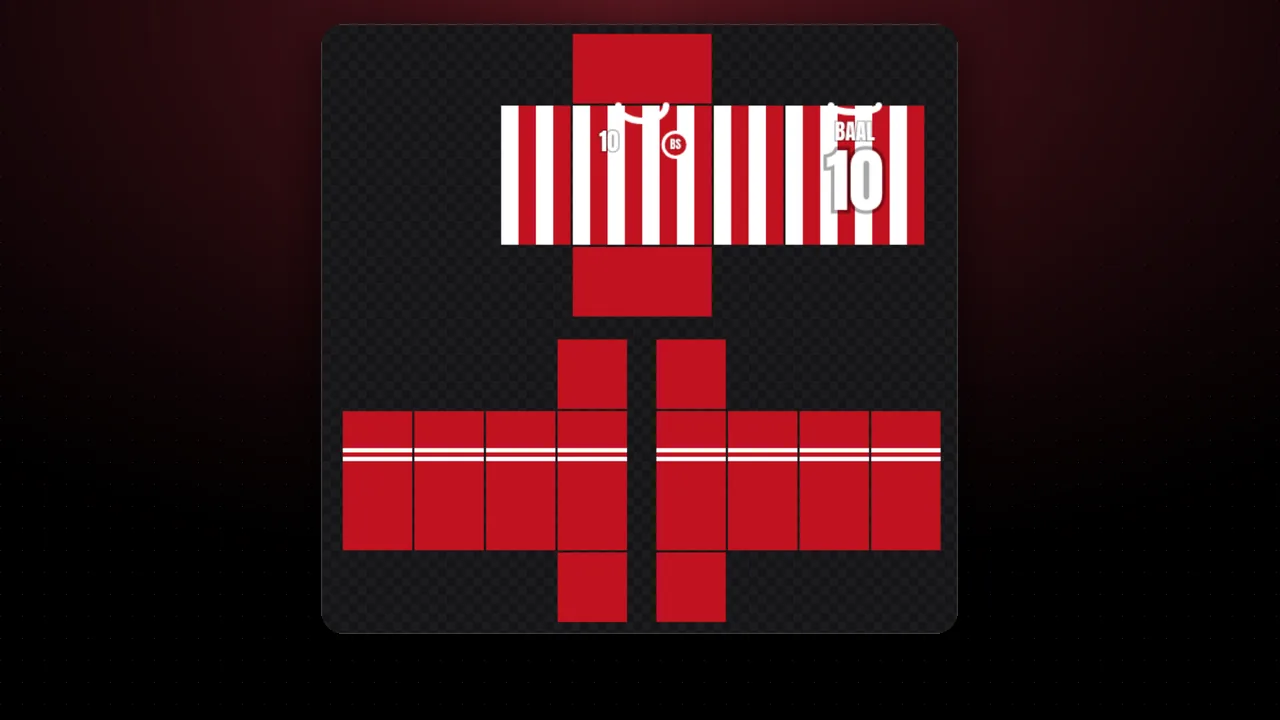
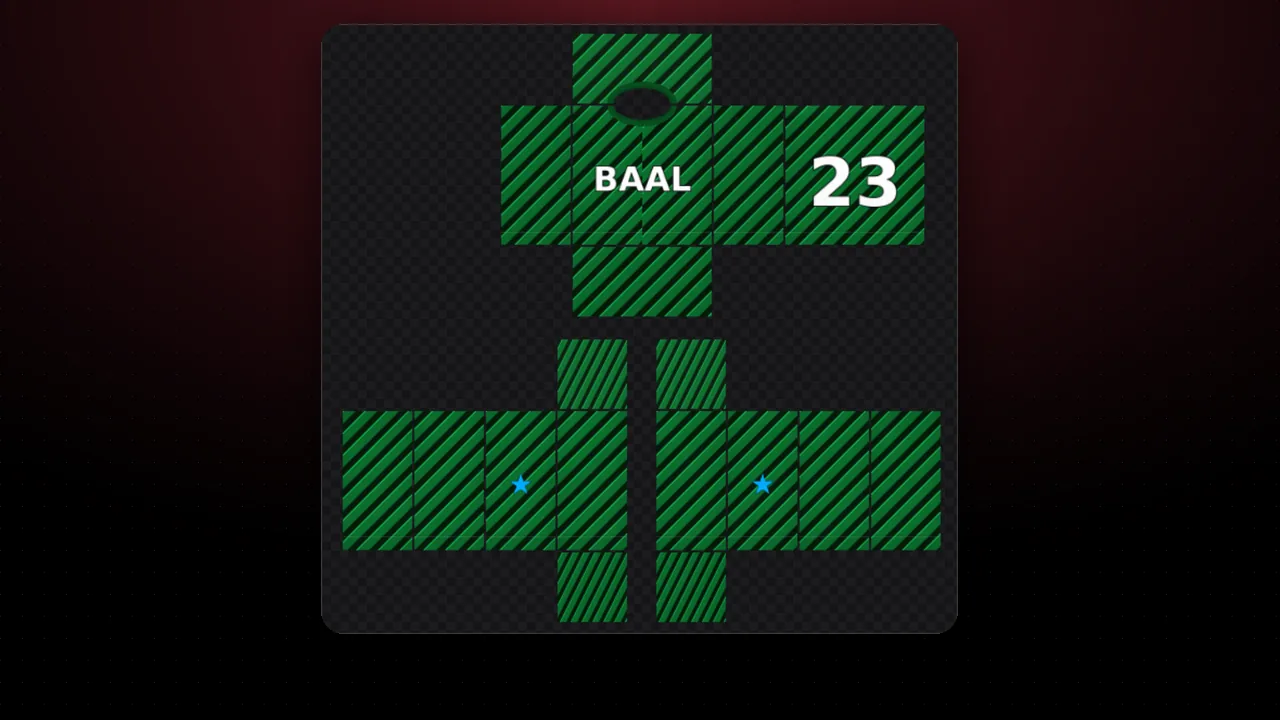
- Open it in the editor: color 1 goes to the body, color 2 to the sleeves and color 3 to the collar.
Handy rule: use the main color on 60% of the item, the secondary on 30% and an accent on 10%. Already have an image you like? Pull its colors with the color extractor or find its match in the BrickColor codes.
FAQ
How many colors should a shirt have?
Between 2 and 4 usually looks best: one main color, one secondary and one or two for details. Too many colors make the design look messy on the avatar.
What does each harmony mean?
Complementary: opposite colors, lots of contrast. Analogous: neighbors, they look soft. Triad: three evenly spread colors, bright and balanced. Monochrome: one hue in several shades.
What is the BrickColor shown below?
It is the closest official color from the Roblox BrickColor list. Useful if you want your clothing to match parts of a game.
Can I use the space bar?
Yes: on a computer, press space to generate a new palette (locked colors stay the same).