Pick your shirt base
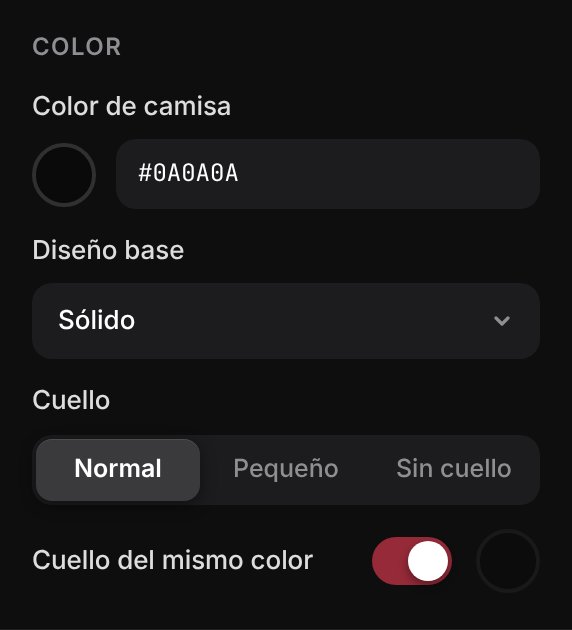
Decide how the garment looks before adding any art.
- Long or short sleeves
- Shirt color with a picker or HEX code
- Base design and collar style: normal, small or none
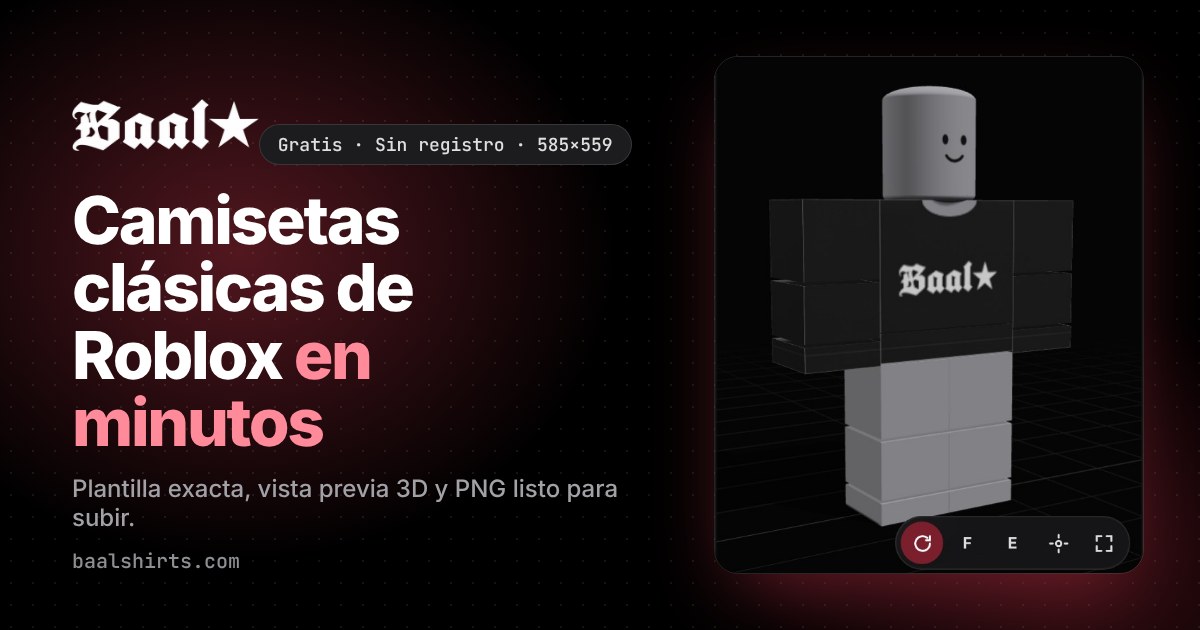
The free editor to design Roblox Classic Shirts. Place your graphics on the template, check the result on a 3D avatar and export a PNG that is ready to upload.
Works in the browser on your computer or phone. Your images never leave your device.

Step by step
No Photoshop or design skills needed. If you already have your logo or artwork, your shirt is ready in a few minutes.
Decide how the garment looks before adding any art.

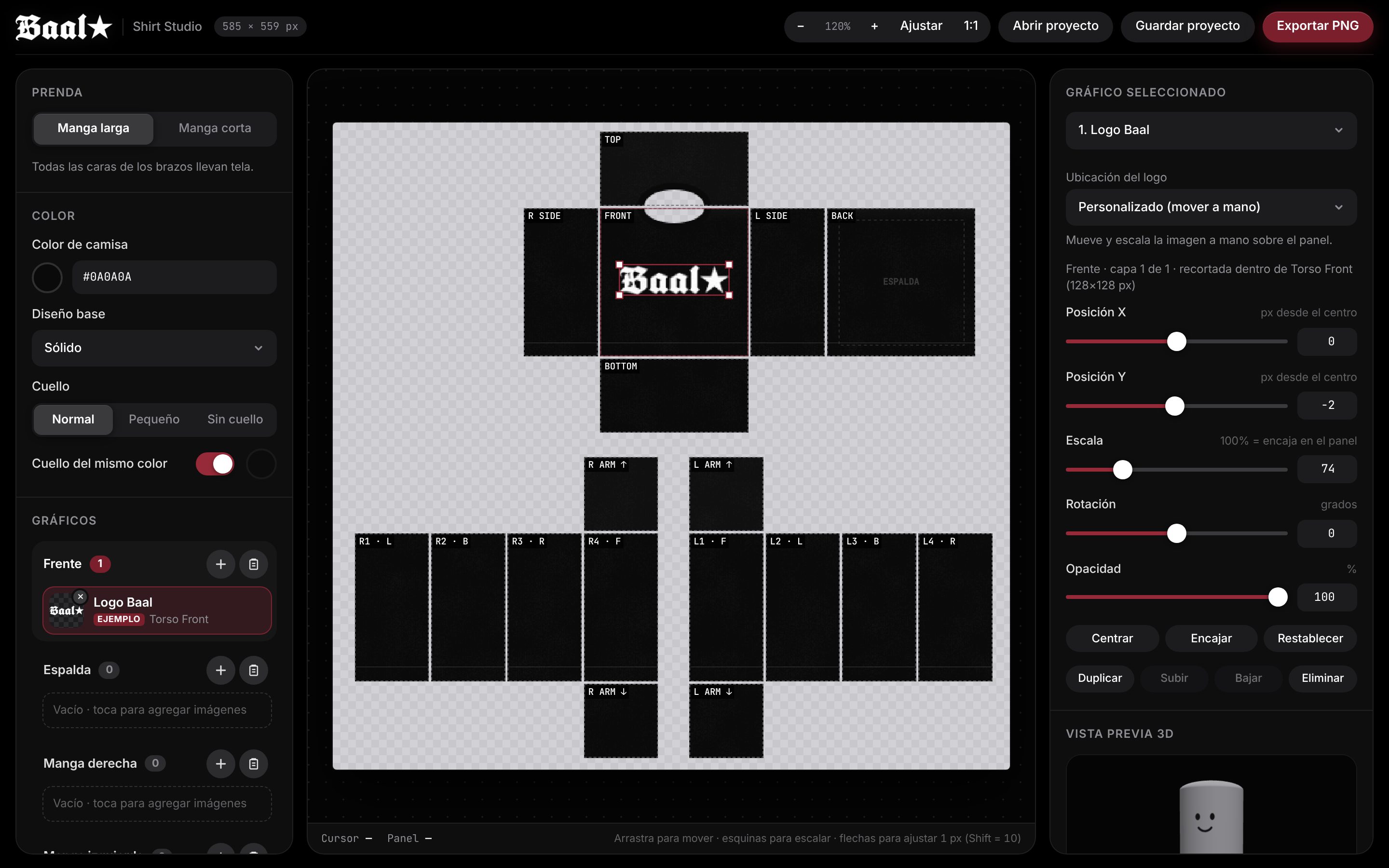
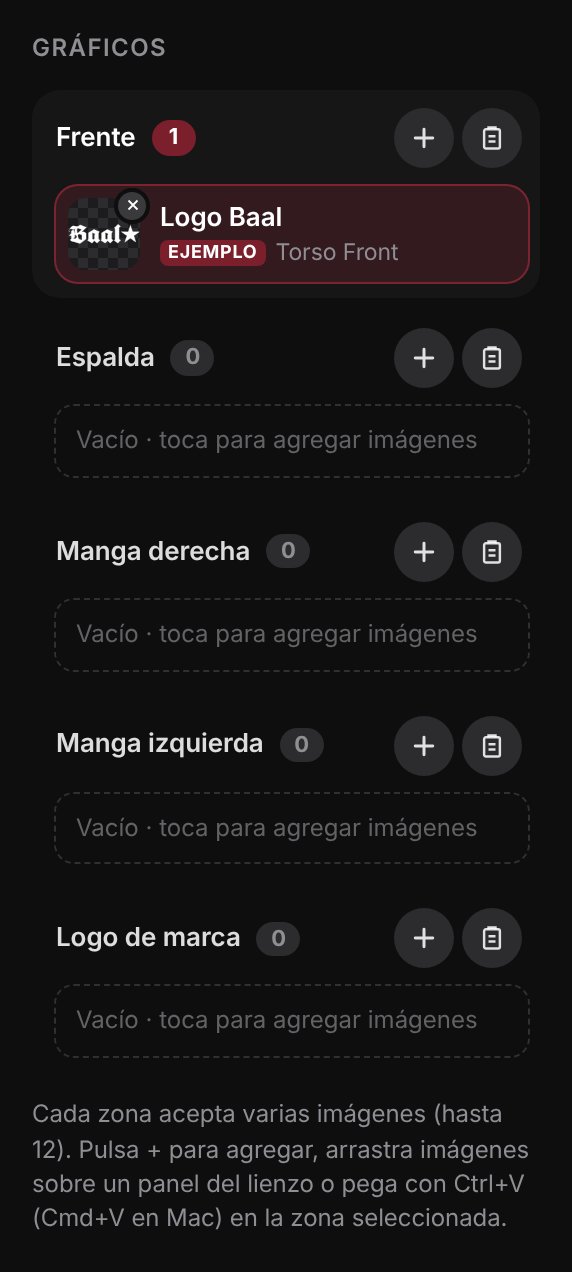
Upload images to each part of the shirt. Every area supports multiple layers.

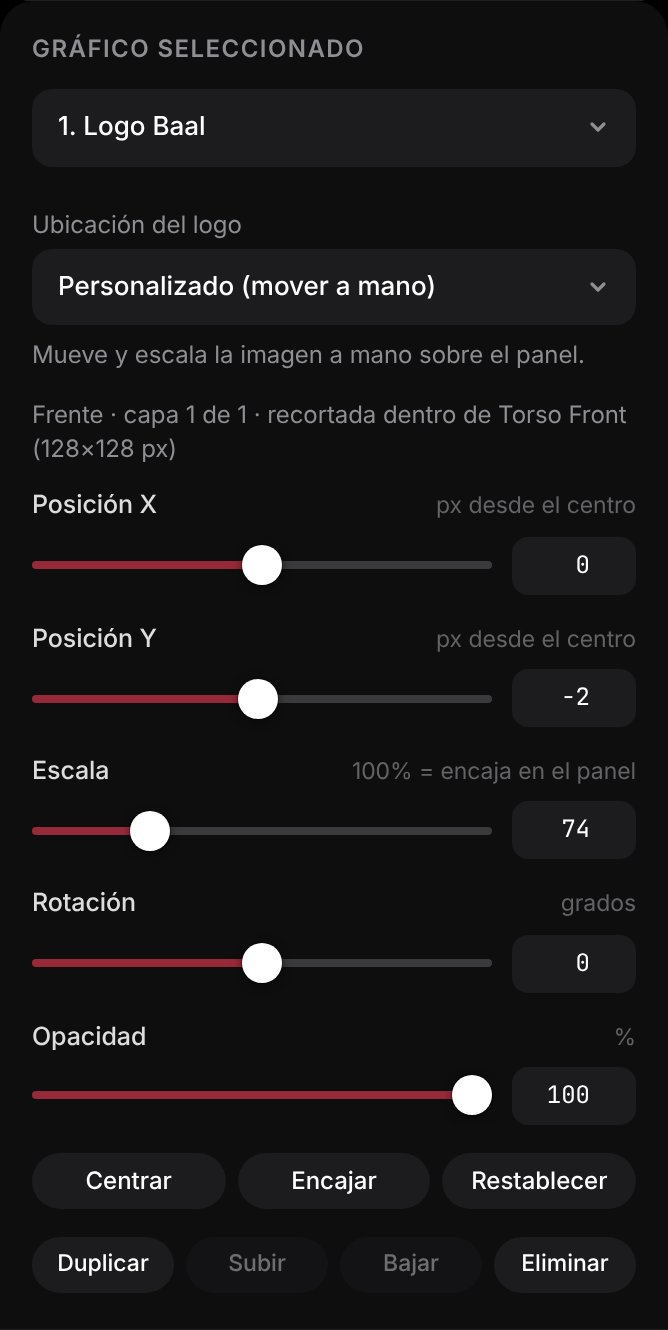
Drag the graphic on the template or use the controls to get it just right.

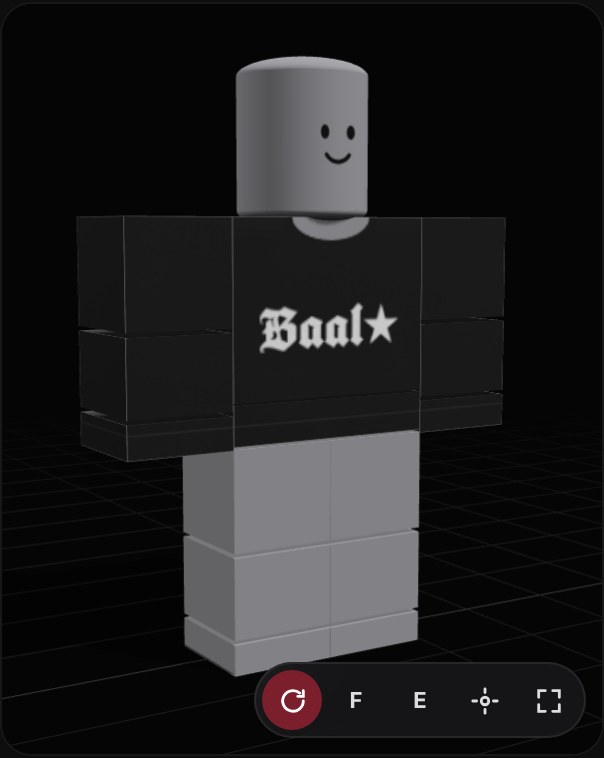
See how it looks on an avatar before uploading, without spending Robux on tests.
Hit Export PNG to get the finished 585×559 template. Then:
Roblox reviews every item and may charge an upload fee in Robux. Use Save project to keep editing later.

Features
A tool focused on one job: getting your classic shirt right the first time.
Every change shows up instantly on a 3D avatar. No uploading, waiting or spending Robux on tests.
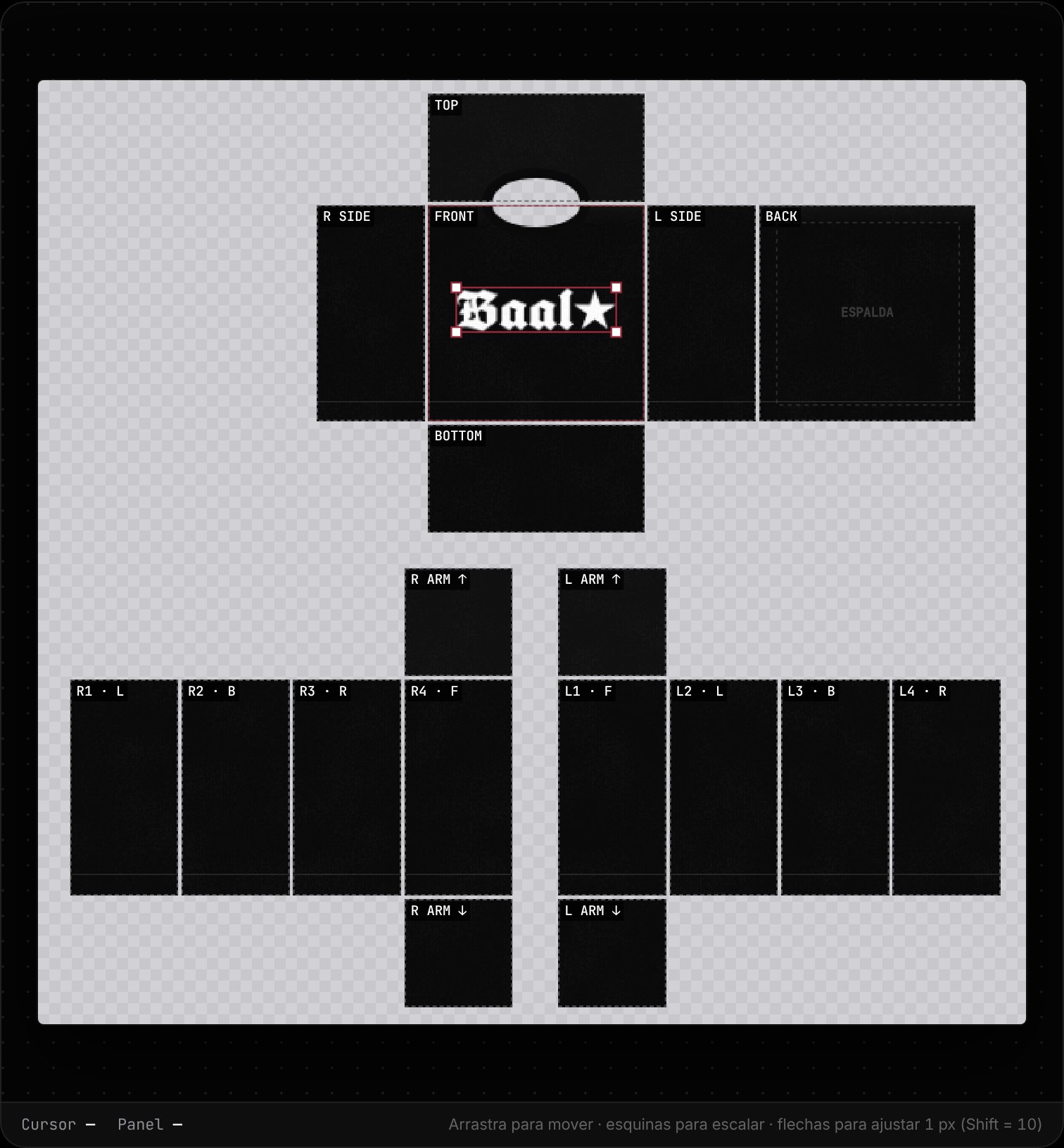
585×559 px with guides for the torso, sleeves, front and back.
Several images per area: reorder, duplicate or hide them.
Download the project file and open it again whenever you want to keep editing.
Design on your computer, tablet or phone.
Everything runs in your browser. Your images are never uploaded to a server.
No sign-up, no watermarks, no payments. Made by and for the Roblox community.
Support the project
Baal Shirt Studio is and will stay free. The best way to support it costs nothing: join the group on Roblox and follow me. That keeps the tool improving.
Blog
Learn how to design, upload and sell classic clothing on Roblox.

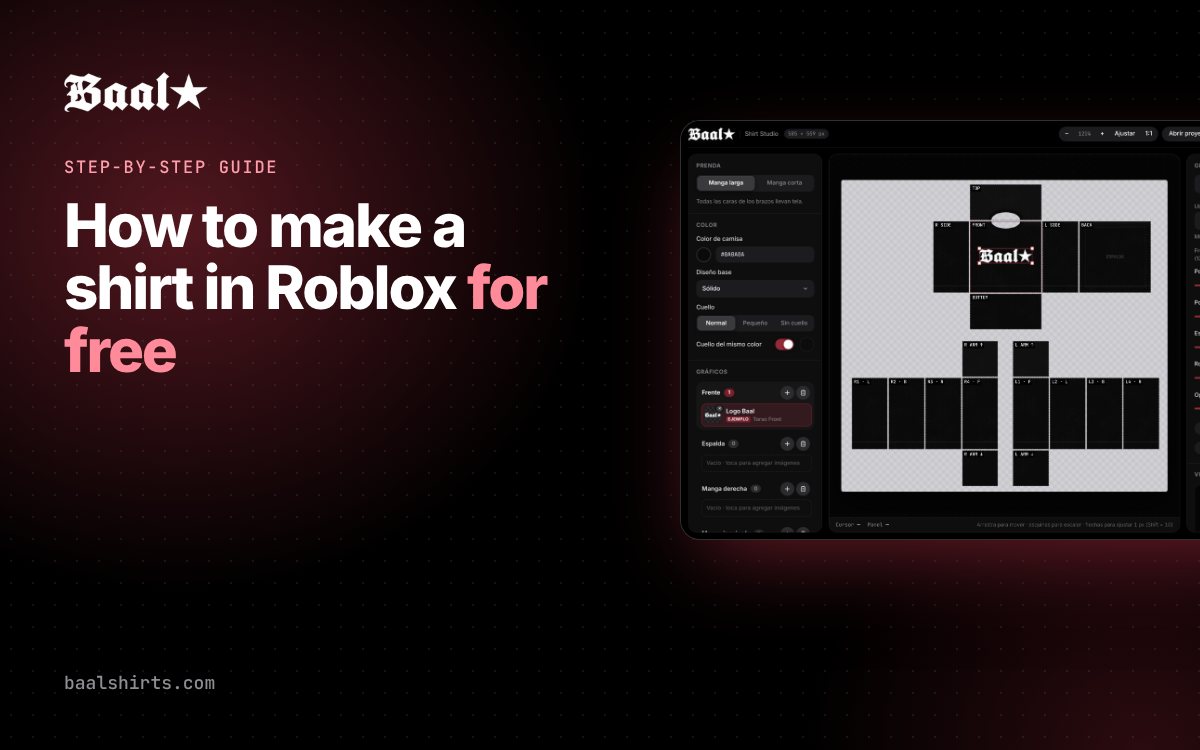
Learn how to create your own Roblox classic shirt from scratch without paid software: the 585×559 template, design, 3D preview and PNG export.
Read article →
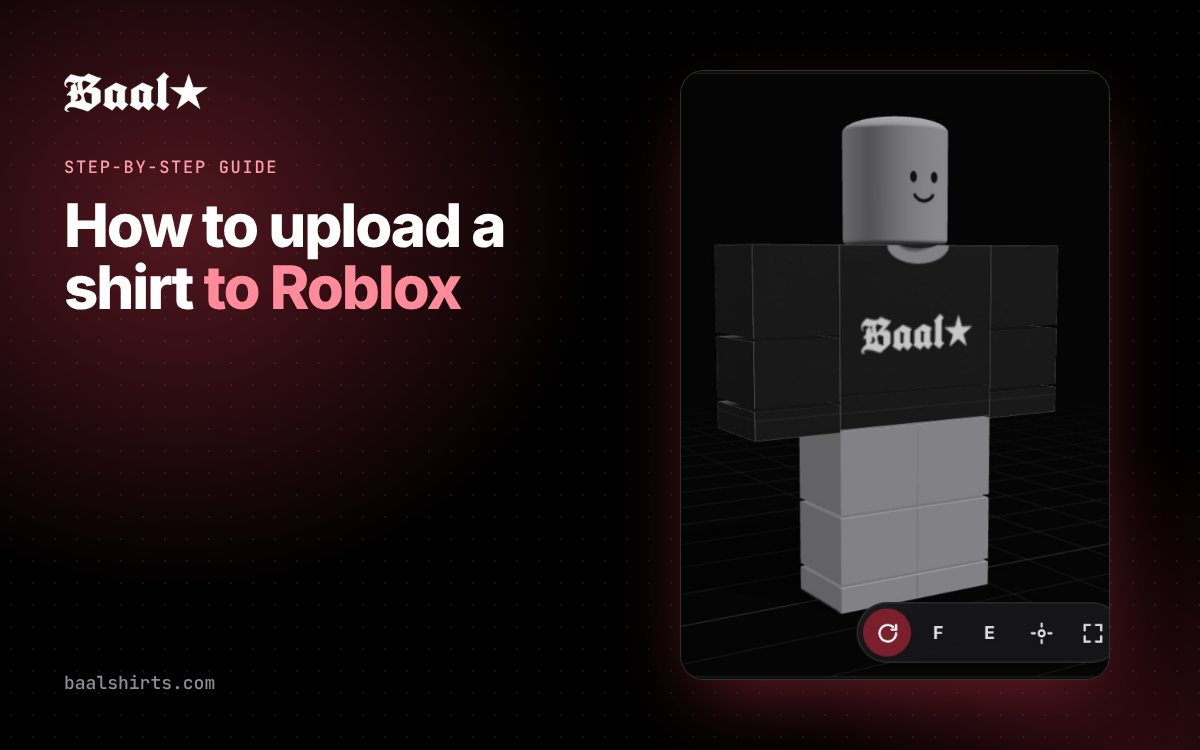
Guide to uploading your Classic Shirt to Roblox from the Creator Hub: file requirements, upload fee, moderation and how to put it on sale.
Read article →
Learn how to use Baal Shirts Editor step by step: pick colors, add graphics to each panel, check the 3D preview and export your Roblox shirt as a PNG for free.
Read article →FAQ
Yes. The editor is 100% free, needs no sign-up and adds no watermarks.
The Roblox classic shirt template is 585×559 pixels. The editor exports exactly that size as a transparent PNG.
Export the PNG and upload it as a Classic Shirt from the Roblox Creator Hub (create.roblox.com). Roblox reviews every item and may charge an upload fee in Robux.
For now the editor is built for classic shirts. In the 3D view you can load classic pants to preview the full outfit.
No. Everything is processed in your browser and your images are never sent anywhere.
Only images you own or have permission to use, and that follow the Roblox Community Standards.
Open the editor and you’ll have your Roblox-ready PNG in a few minutes.