
Clothing, hair and face codes
Pick what you want, the style and the game. Copy the ID and paste it in Brookhaven, Berry Avenue or Bloxburg.
Featured: Baal Studio
Clothing from our Roblox group. Always shown first.
Style
List saved on October 26, 2026
No items with that name or ID in this list.
Figures reviewed on October 25, 2026. Baal Shirt Studio is not affiliated with Roblox. Figures are estimates; always confirm on Roblox before paying.
How to use a code in your game
- Pick the category, the style and the game.
- Press Copy ID on the item you like.
- Open the game and go to its avatar or outfit editor.
- Find where the game asks for a code or ID and paste it. External reference
Each game has its own menu and not all of them accept every item type. If a code does not work, try another one from the list.
Items belong to their creators on Roblox; we only show public catalog data. Baal Shirt Studio is not affiliated with Roblox, Brookhaven, Berry Avenue or Bloxburg.
Want clothing nobody else has? Design your own shirt for free in the editor.
Codes by game
Brookhaven
- Brookhaven clothes codes
- Brookhaven hair codes
- Brookhaven face codes
- Brookhaven accessory codes
- Brookhaven emo outfit codes
- Brookhaven goth outfit codes
- Brookhaven Y2K outfit codes
- Brookhaven streetwear outfit codes
- Brookhaven aesthetic outfit codes
- Brookhaven kawaii outfit codes
Berry Avenue
- Berry Avenue clothes codes
- Berry Avenue hair codes
- Berry Avenue face codes
- Berry Avenue accessory codes
- Berry Avenue emo outfit codes
- Berry Avenue goth outfit codes
- Berry Avenue Y2K outfit codes
- Berry Avenue streetwear outfit codes
- Berry Avenue aesthetic outfit codes
- Berry Avenue kawaii outfit codes
Bloxburg
FAQ
What is a clothing code or ID?
It is the number Roblox gives each catalog item: shirts, pants, hair, faces or accessories. You can see it in the item page address, and here you copy it with one tap.
Do they work in Brookhaven, Berry Avenue and Bloxburg?
They are real Roblox catalog IDs. Brookhaven, Berry Avenue and Bloxburg have menus where you can paste a code, but each game decides which item types it accepts. If one does not work, try another.
Do I have to buy the item to use the code?
It depends on the game: some let you try the item with its code without buying it. Outside those games, on your Roblox avatar, you do have to buy it in the catalog.
Why do Baal Studio items come first?
Because Baal Studio is our store on Roblox. We show its items at the top, marked, and the rest of the list are public items from other creators.
More free tools See all →
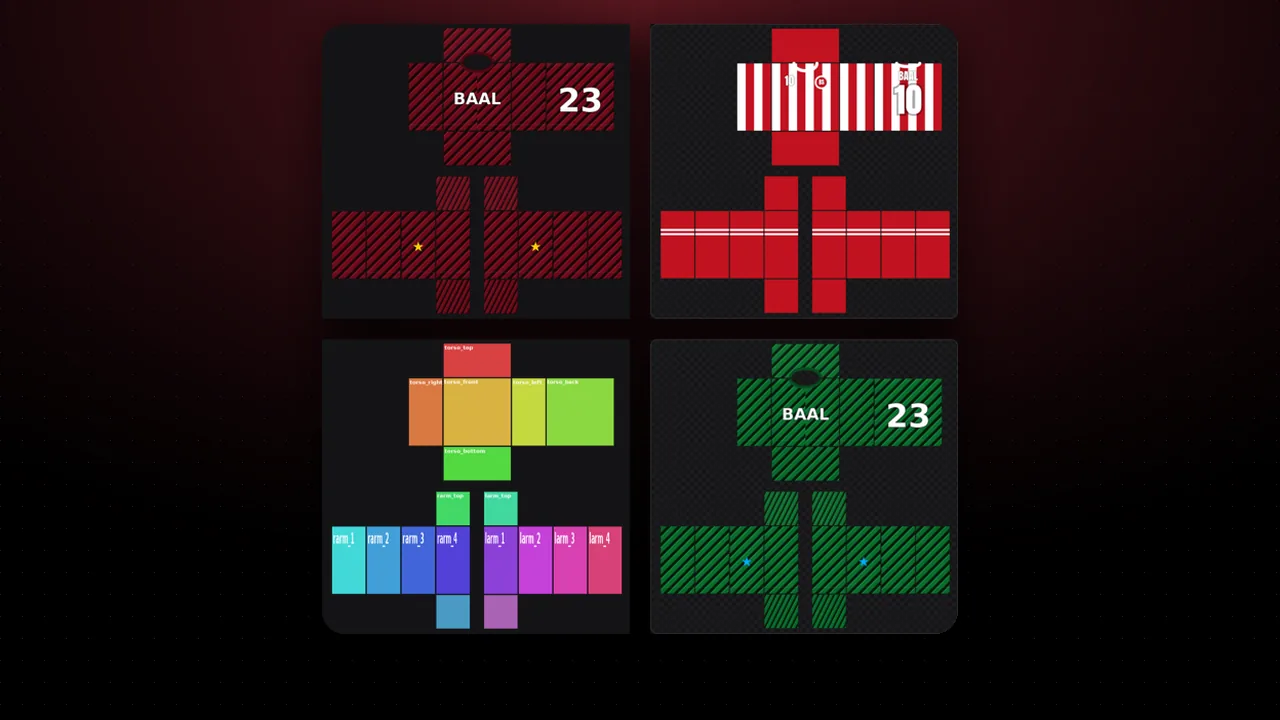 Community galleryDesigns made with Baal Shirt Studio. Vote, get inspired and share yours.Open →
 Weekly challengeA new theme every week and the community's most voted design.Open →
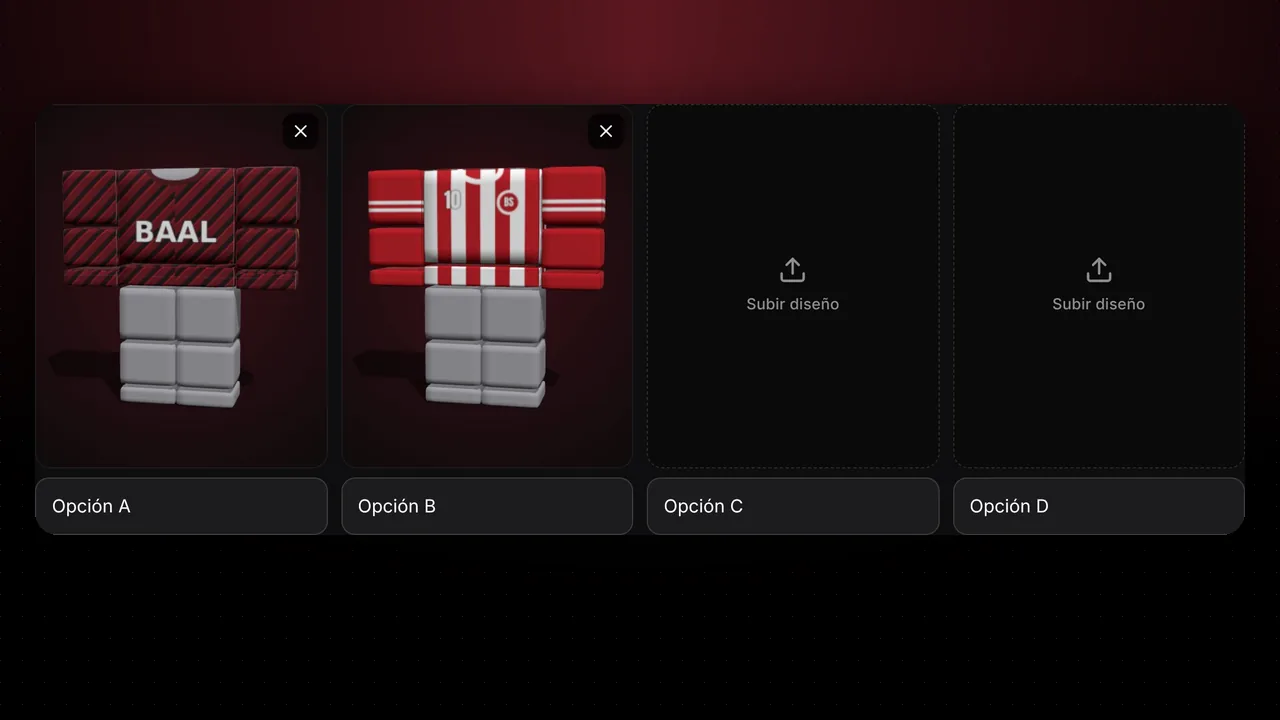 Which one to launch?Upload 2 to 4 designs and let your community vote which one you launch.Open →
 What's your outfit style?Answer 6 questions and discover your style, ready to open in the editor.Open →
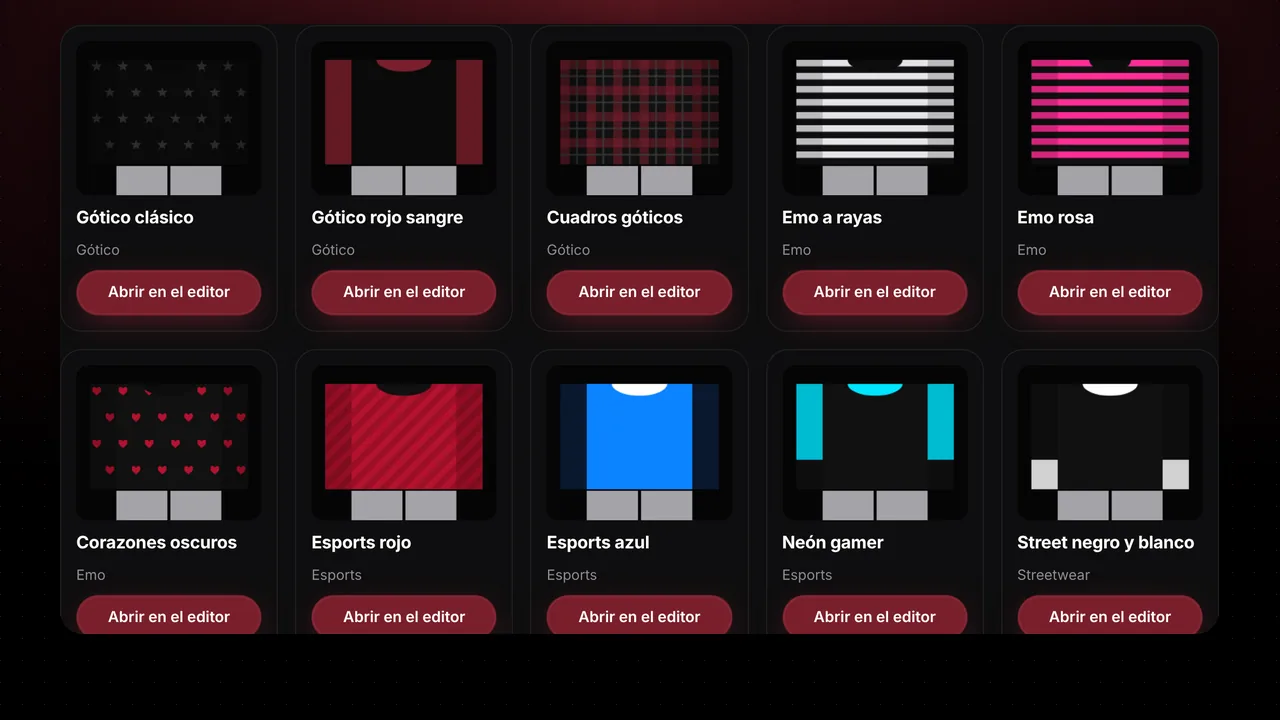 Outfit ideasStyle and color combos that open straight in the editor.Open →
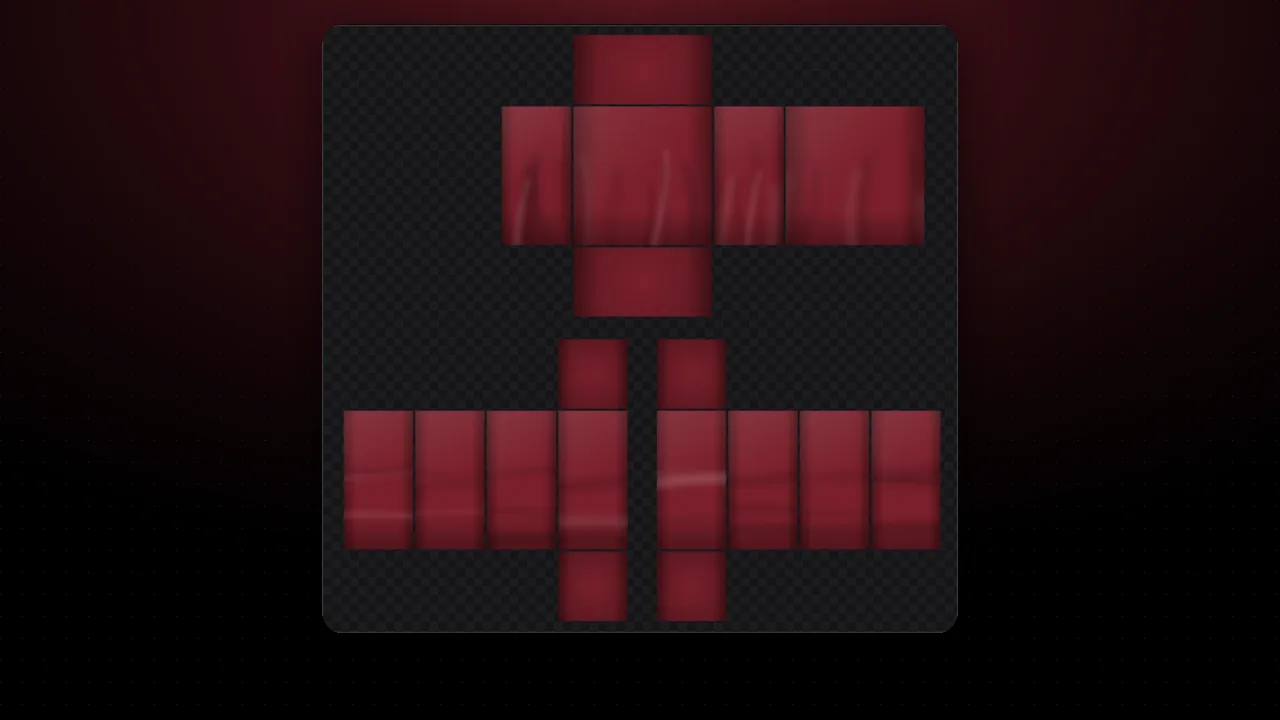 Clothing shadingAdd realistic wrinkles, shadows and folds to your template in one click.Open →