Figures reviewed on October 25, 2026. Baal Shirt Studio is not affiliated with Roblox. Figures are estimates; always confirm on Roblox before paying.
How to make a fabric for your shirt
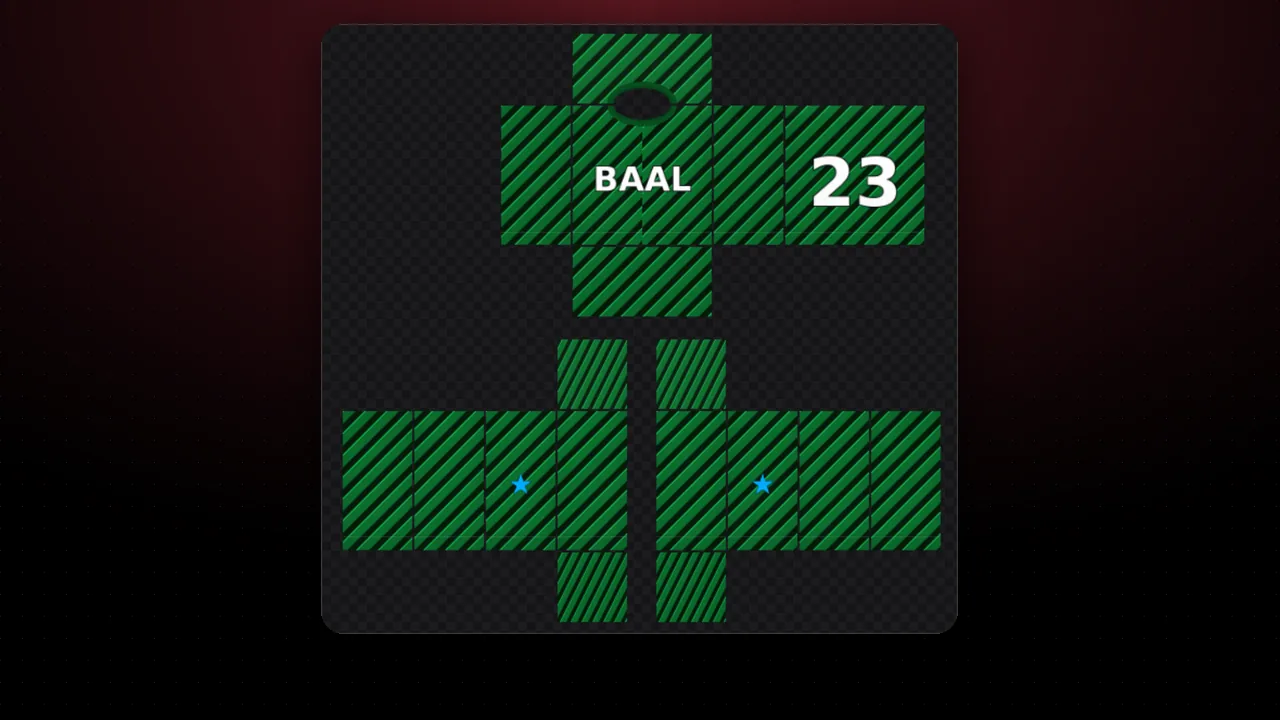
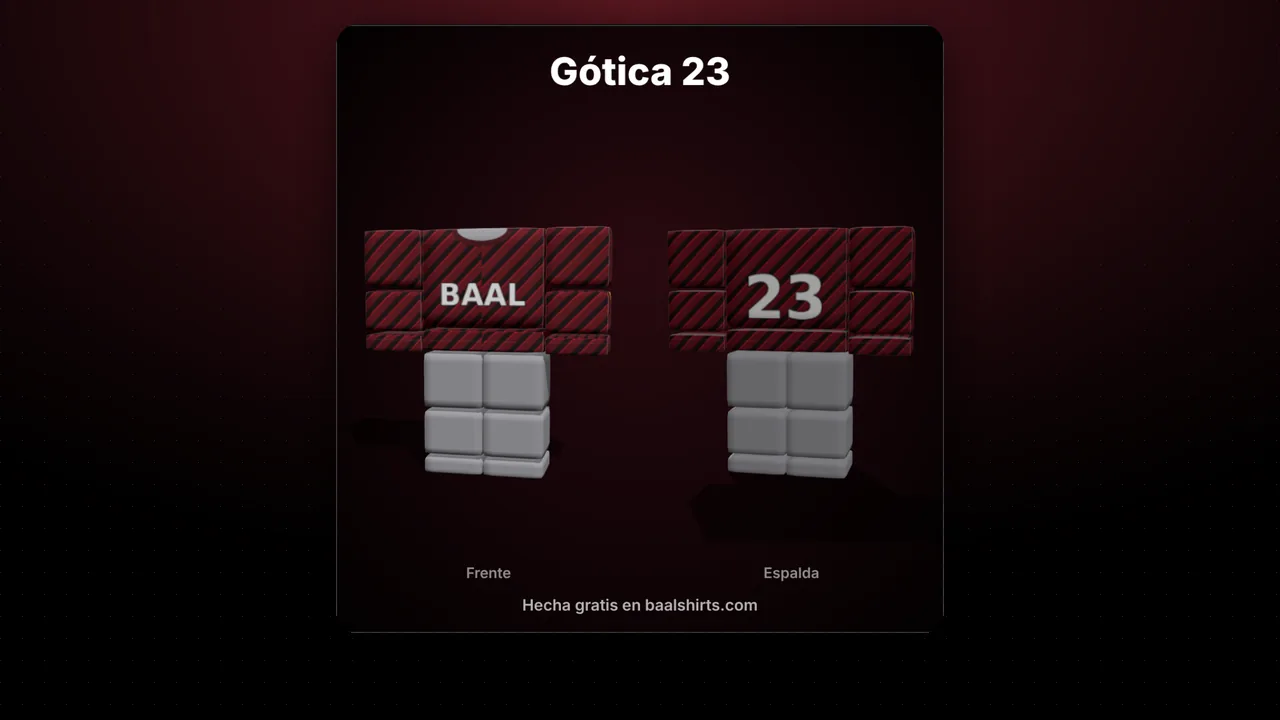
- Pick a pattern: stripes, checks, plaid, polka dots, stars, hearts, zigzag, camo, pixel or splatter.
- Change the three colors and the size. "Shuffle" tries another version of the random patterns.
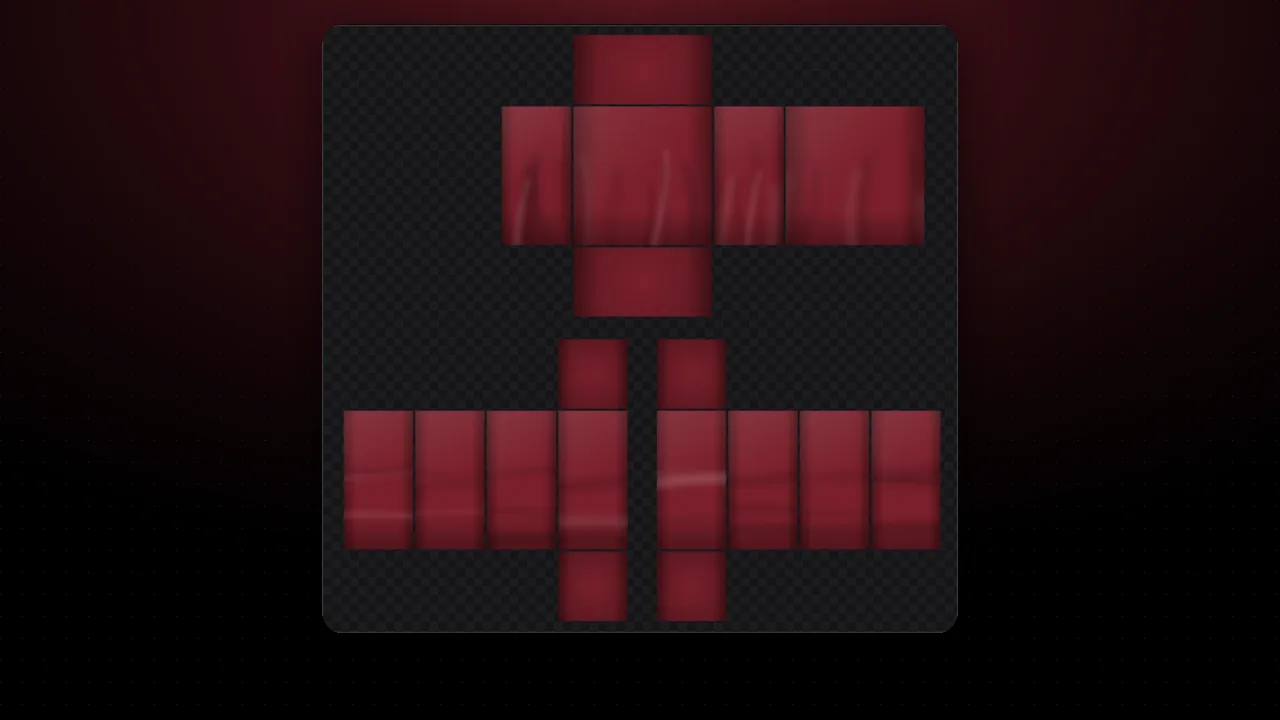
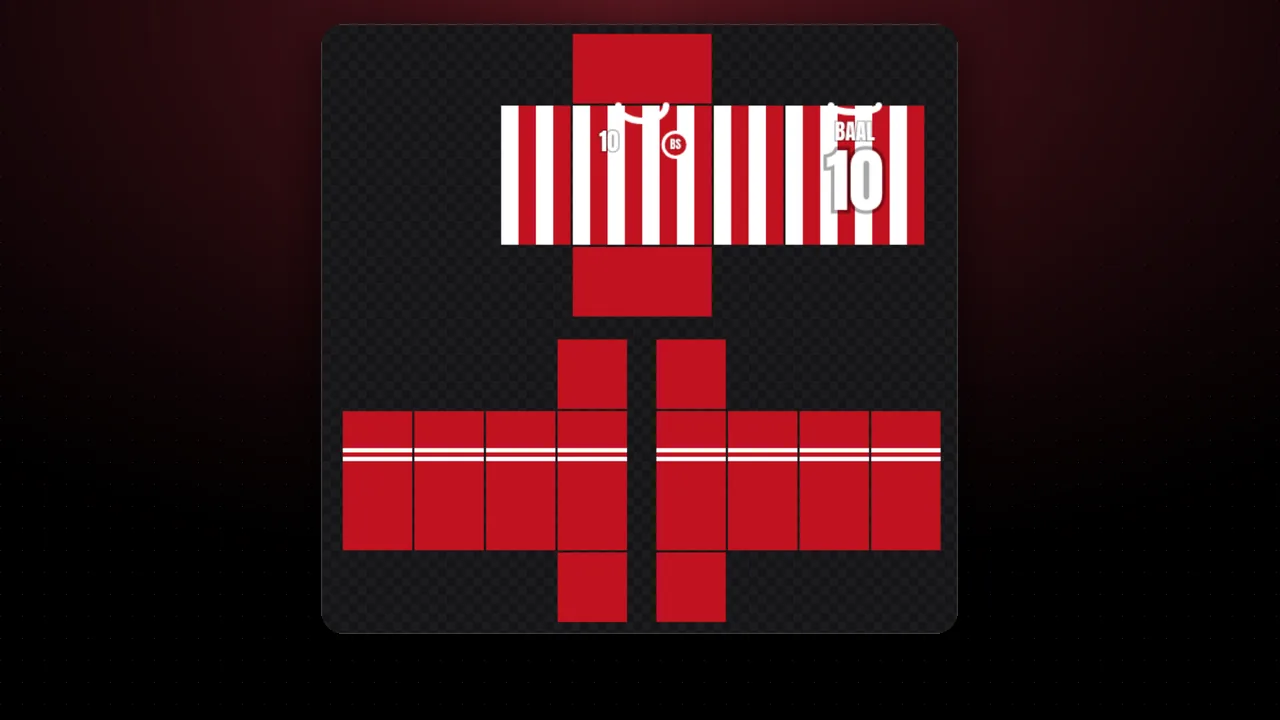
- Press Use in the editor: the fabric covers the torso and arms and continues from one panel to the next.
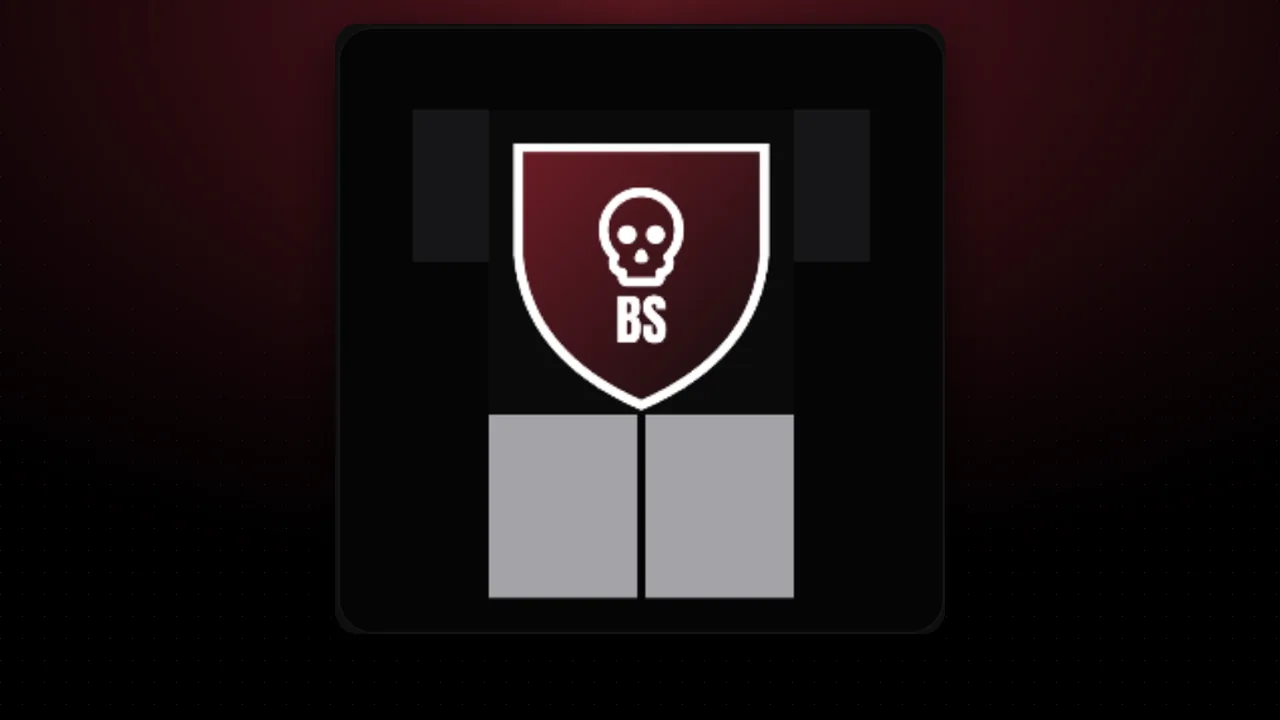
- Add your logo on the front and a name or number on the back, and export your 585×559 template.
Tip: small patterns look better on Roblox, because each torso face is only 128×128 pixels on the template. Looking for ready combos? See the outfit ideas.
FAQ
What does tileable mean?
You can place one copy next to another and the seam does not show. So it covers the whole shirt, panel to panel, without odd lines.
How do I use it on my shirt?
Press "Use in the editor". The editor opens with the fabric on the whole torso and arms. Then you can add your logo on the front or a number on the back.
Can I use it in Photoshop or another app?
Yes. Download the PNG and use it as a fill pattern. It is 512×512 and tiles without seams.
Are the fabrics free to use?
Yes. They are generated in your browser from simple shapes, so the result is yours to use in your designs.