Enjoying the tool? Join the Baal community on Roblox Join →

3D mockup generator

Upload your template and create images of your shirt on 3D avatars, ready for Instagram, TikTok, Discord or your group.

Shirt (585×559)
Pants (optional)

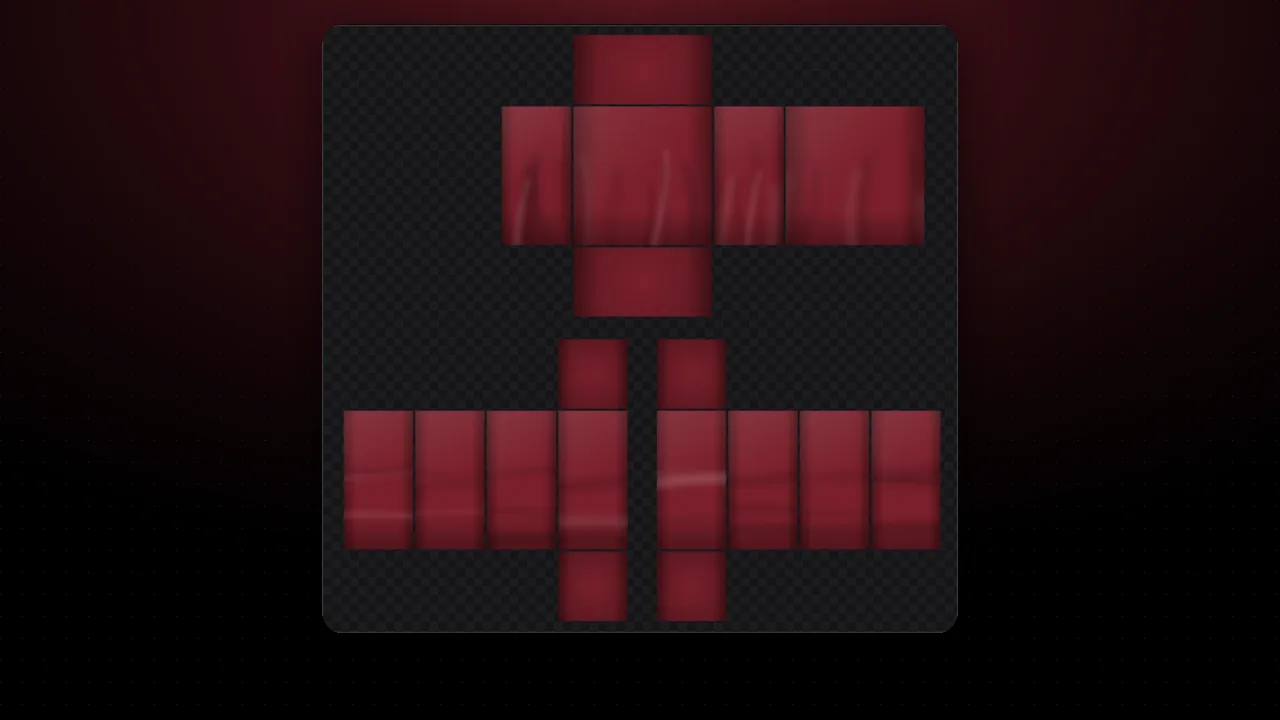
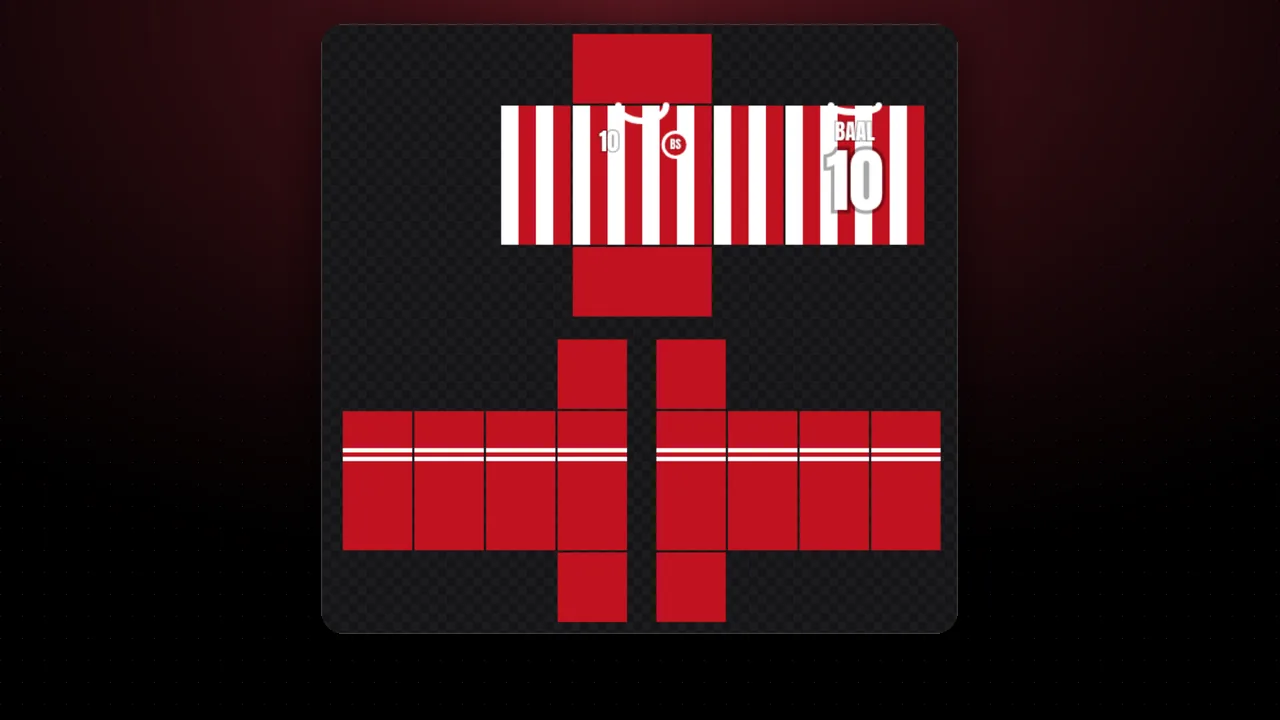
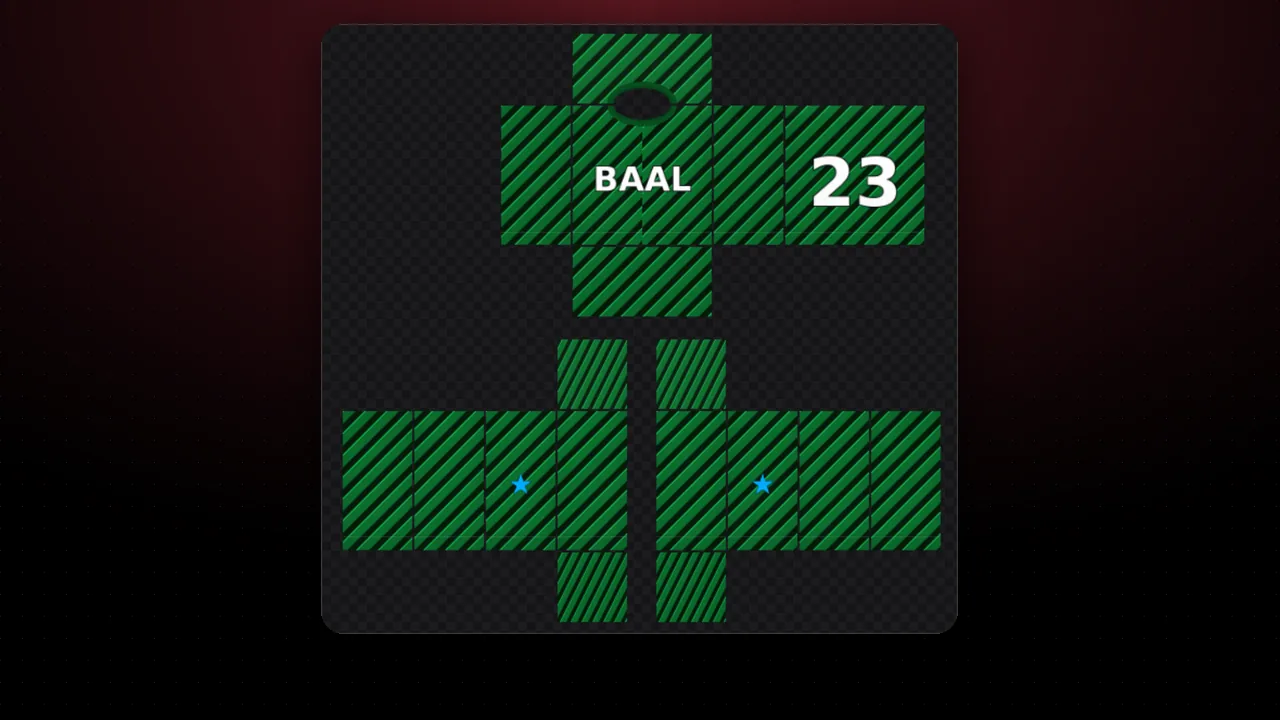
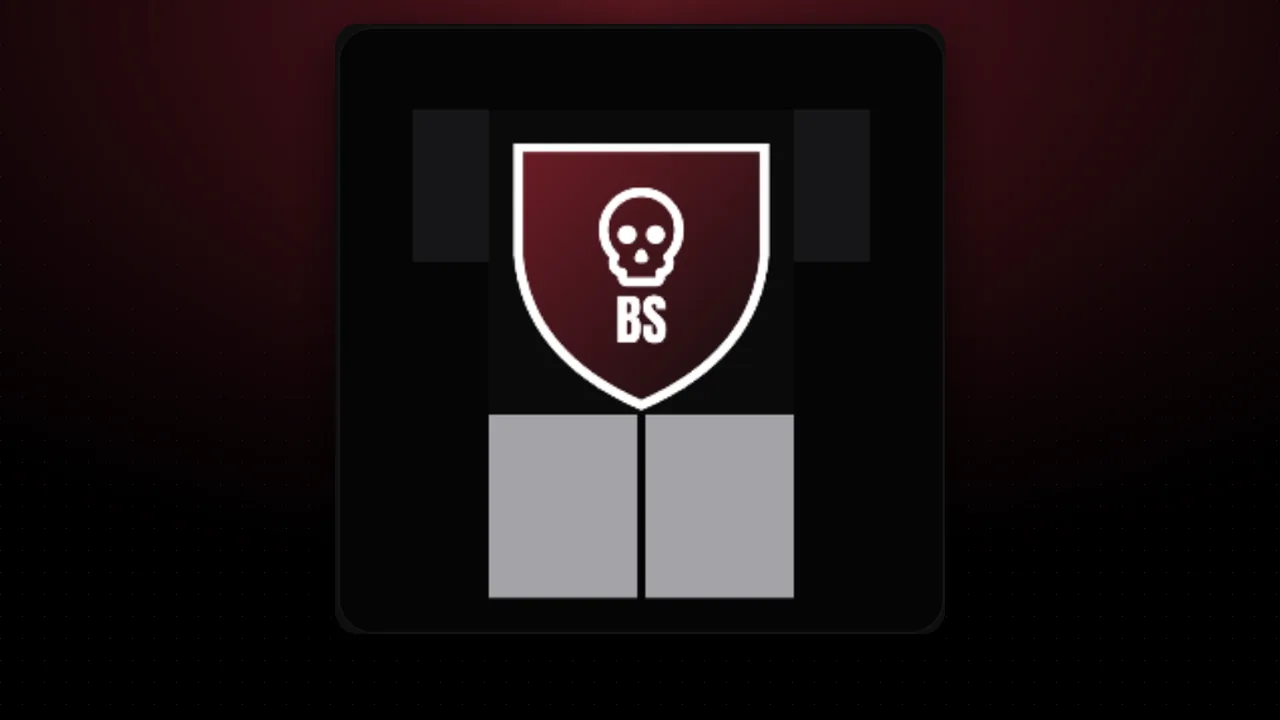
Upload your shirt to start. Meanwhile you will see a sample.

No template? Design one in the editor

Figures reviewed on October 25, 2026. Baal Shirt Studio is not affiliated with Roblox. Figures are estimates; always confirm on Roblox before paying.

How to make your mockup

  1. Upload your shirt template (585×559). If you have pants, upload them too so the avatar looks complete.
  2. Pick the format: square for posts, portrait for the feed or story for Reels and TikTok.
  3. Choose body, color and background, and type your shirt name and your group.
  4. Download the image or share it straight from your phone.

Before publishing your shirt on Roblox, check it with the template checker and create its name with the name generator.

Sources and method

Every figure in this tool comes from these pages. We quote the original text so you can check it yourself. We review the figures every month. See all sources →

Official · RobloxClassic clothingRoblox Creator Hub · GitHub copy
  • A classic T-shirt is a square image (for example 512×512).
    “T-shirts are a square image, such as 512x512 pixels. When properly configured, classic t-shirts display on the front torso of a blocky character.”
  • Size of each panel of the shirt and pants template.
    “Large square 128 × 128 FRONT and BACK · Tall rectangle 64 × 128 · Wide rectangle 128 × 64 UP and DOWN · Small square 64 × 64”
  • Accepted formats: PNG or JPG.
    “Export the image as a .png or .jpg before testing and uploading it in Studio.”
  • Uploading classic clothing costs 80 Robux.
    “you can upload and sell your clothing item on the Marketplace for an upload fee of 80 Robux per submission.”
Official · RobloxMarketplace policyRoblox Creator Hub · GitHub copy
  • Account requirements to upload and sell.
    “To upload, publish, and keep existing content on-sale, Roblox requires users and groups to have government ID verification or a linked parental account that has government ID verification. In addition, to publish and keep existing content on-sale, Roblox requires a Roblox Plus or Premium 1000/2200 membership.”
  • Publishing also requires 2-step verification.
    “Publish content to the Marketplace: ID verification or linked parental account · 2-step verification · 10-2500 Robux publishing advance”
  • Do not use official Roblox logos or branding.
    “Do not use any Roblox-created assets or official Roblox branding or iconography as part of your items.”
  • Themes Roblox does not allow on items.
    “do not create items that are political, religious, gory, violent, self-harm-related, drug-related, sexual/wedding/dating-related, or items that are likely to be used for these types of roleplay.”
  • Avoid too much text on the design.
    “Do not include excessive text on items.”

FAQ

Which template should I upload?

Your 585×559 classic shirt or pants image, the same one you upload to Roblox. If you made it in our editor, export it with "Export PNG".

What sizes are the images?

Square 1080×1080 (Instagram post), portrait 1080×1350 (takes the most space in the feed) and story 1080×1920 (Instagram, TikTok and Reels).

Are the avatars the official Roblox ones?

No. They are our own models that imitate the shapes of Roblox bodies, so you can use the images freely.

Can I remove the watermark?

Yes, untick "Show baalshirts.com". If you keep it, you help more people discover the free tool.

More free tools See all →