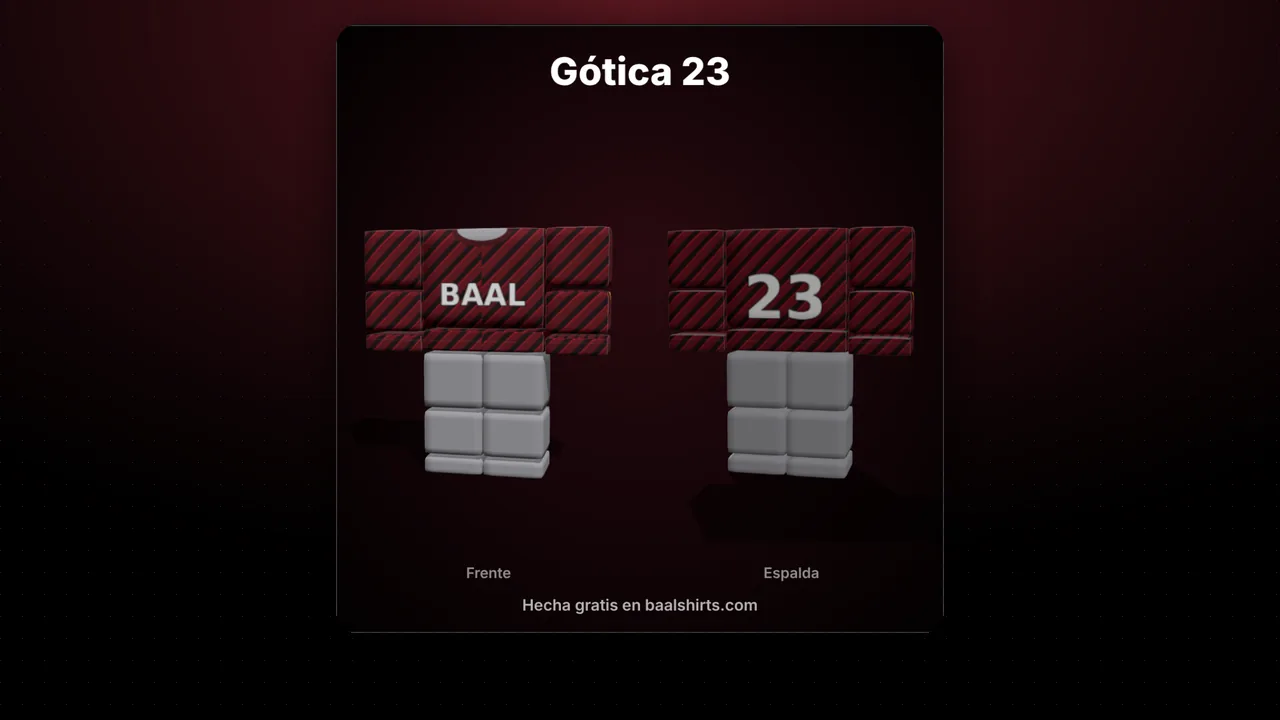
Why look at it in 3D before uploading
Roblox charges a fee for every item you upload and reviews it before it goes live. If you notice a crooked logo afterwards, you have to fix it and pay again. A quick look in 3D first saves you that.
What to look for
- Logos cut in half between the front and the side: they look fine on the template but break at the corner on the avatar.
- Shoulder seams: the top of the torso and the top of the arms should continue the same design.
- Transparent areas that show the avatar's skin where you didn't mean to.
Classic R6 or Thin R6
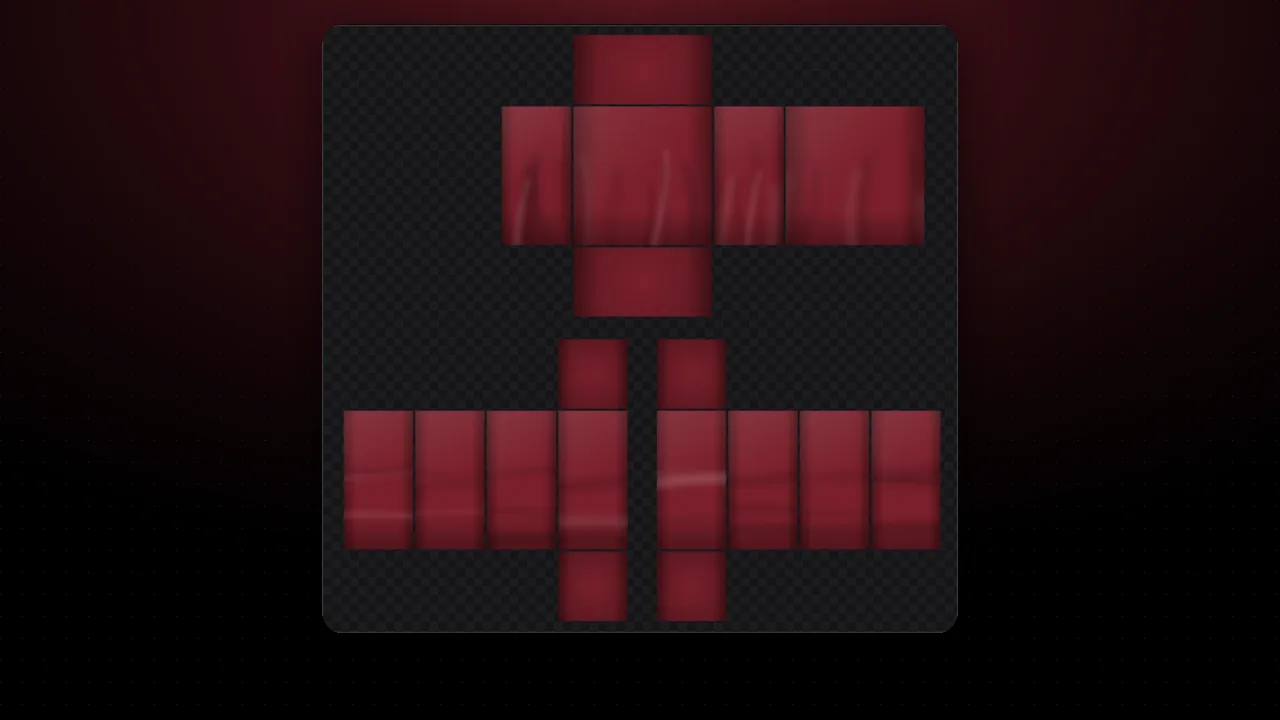
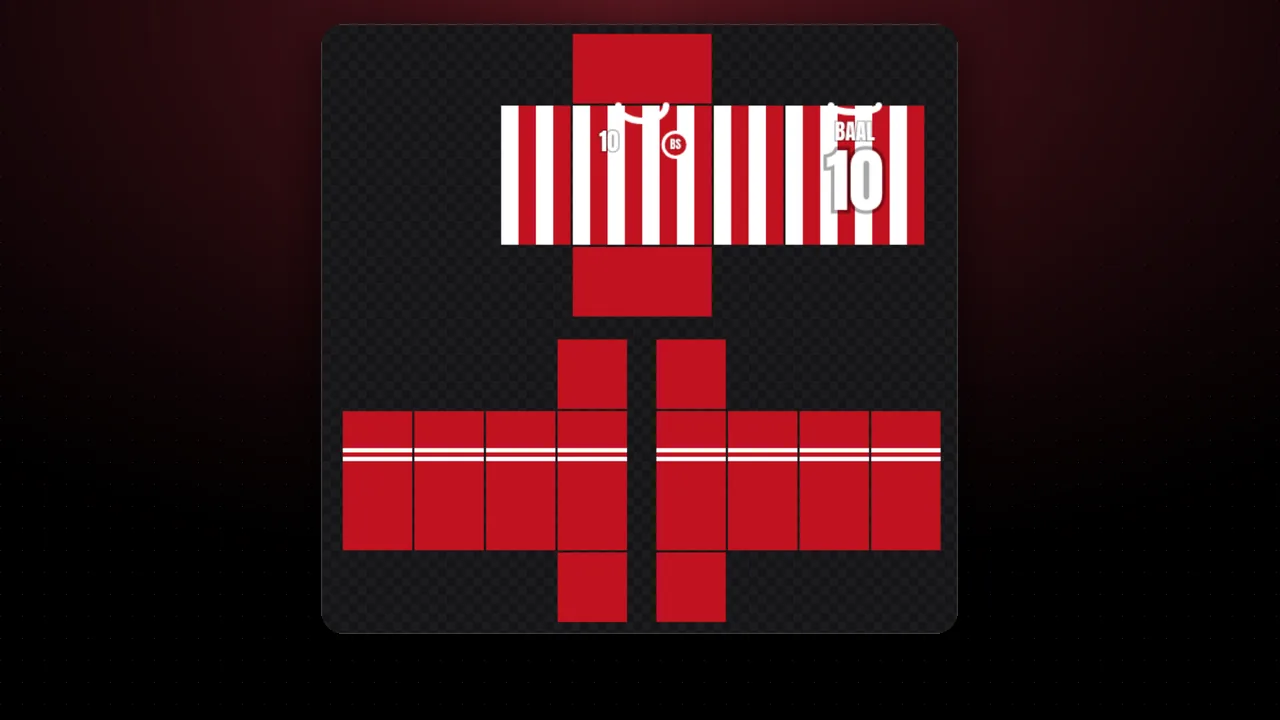
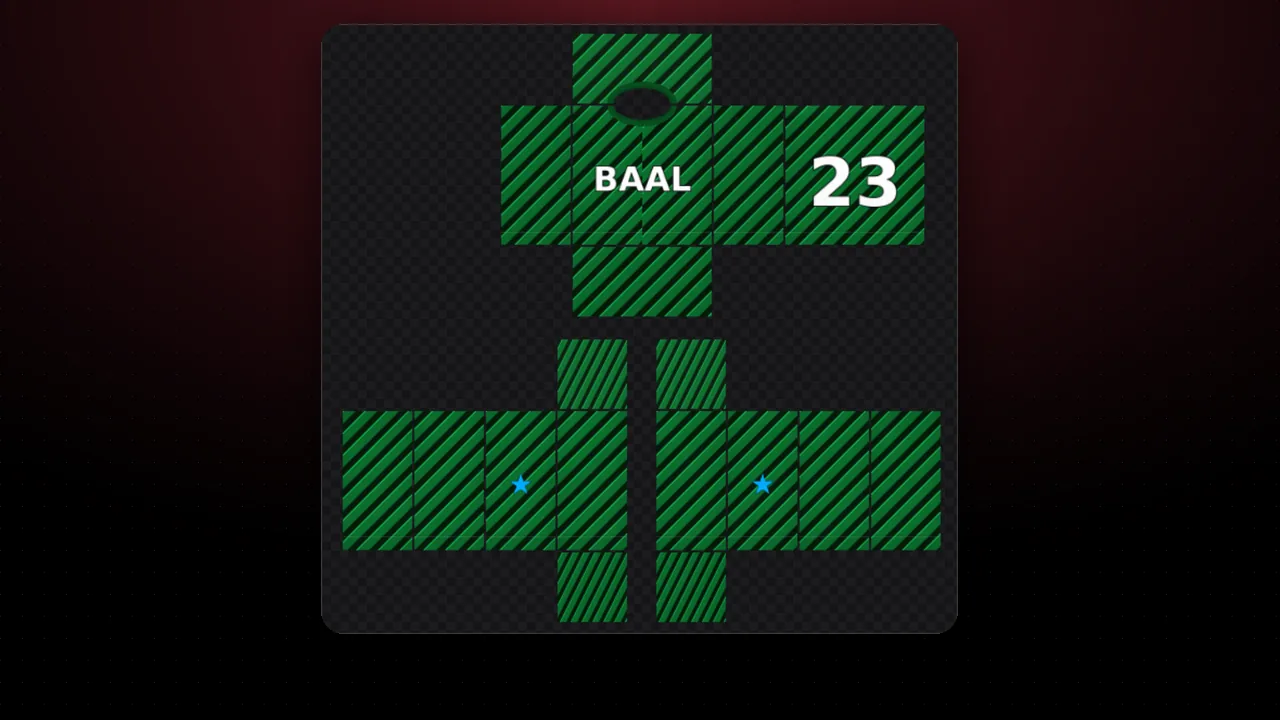
Both use the same 585×559 template. The thin body is narrower, so big chest graphics sit closer together. Try both with the "Body" picker.
No PNG yet? Make one in the shirt maker or start from the downloadable template. If something looks off, run it through the template checker.